










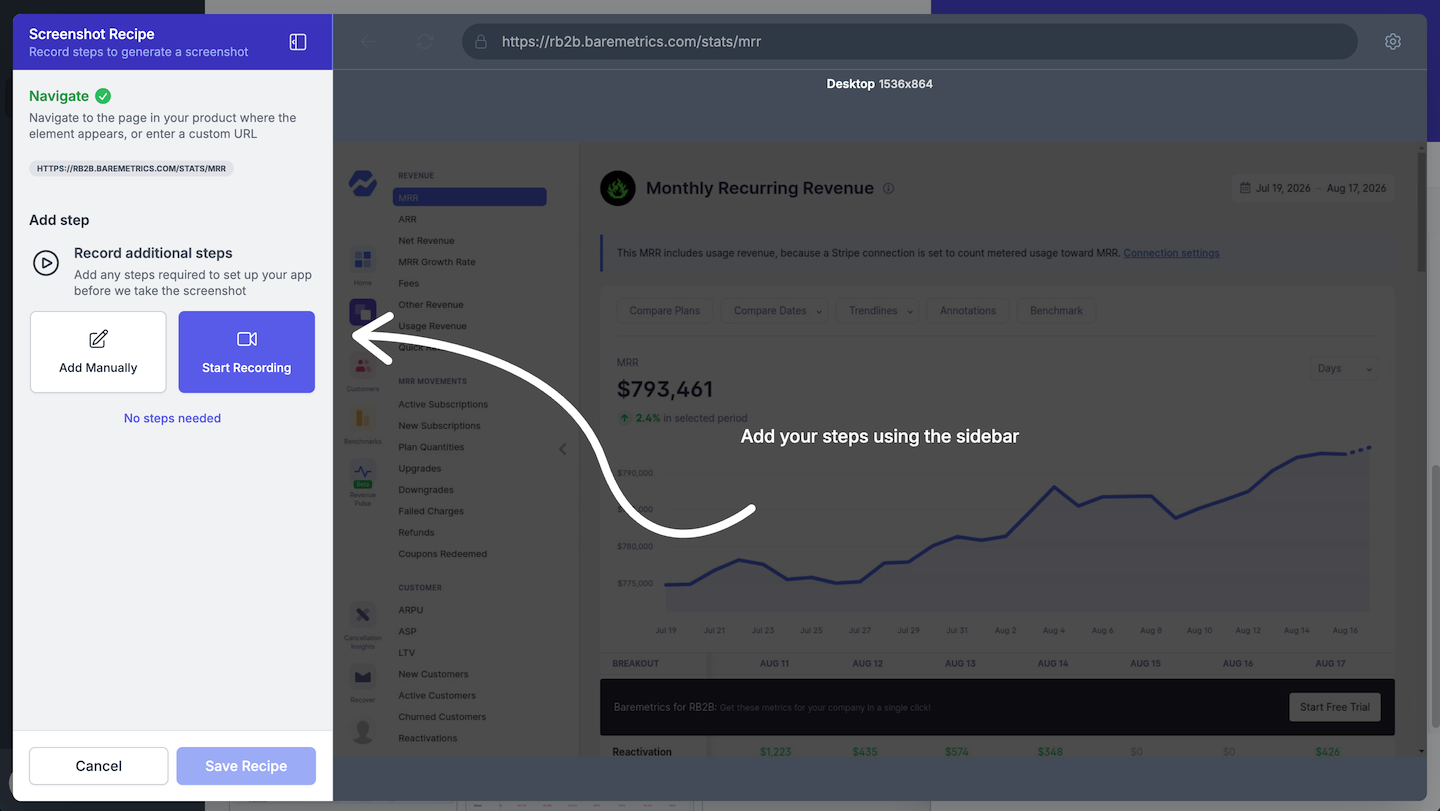
Fresh Screenshots. Automatically.
Keep your product screenshots fresh, accurate, and ready to use — without the manual work. Product workflows are automatically turned into repeatable automation that captures your screenshots whenever your product changes, applying your preferred styling and annotations.
Whether you're updating a single workflow or maintaining visuals across many hundreds of help articles, generate fresh screenshots and animated videos with every product release — a reliable, repeatable way to keep your visual documentation current.
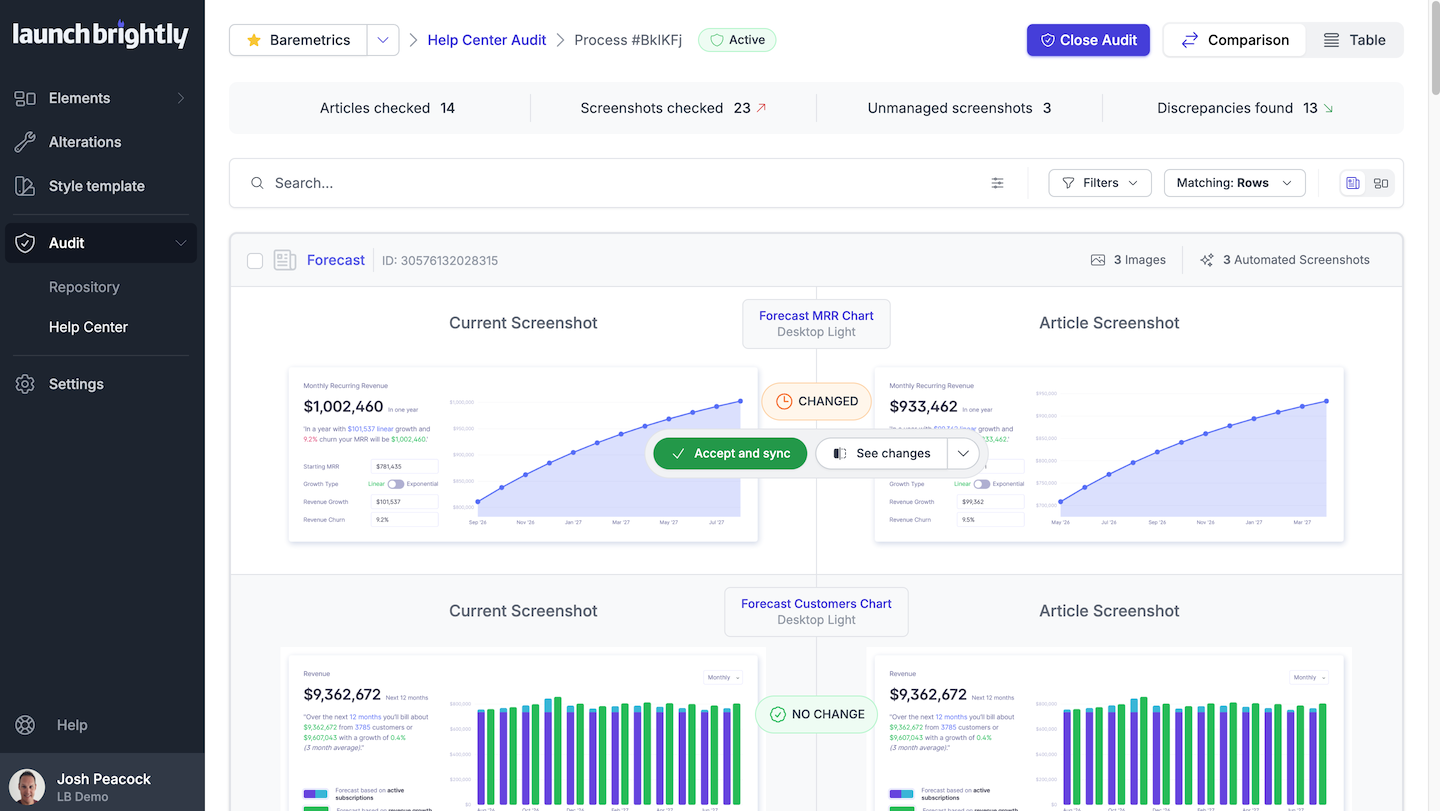
Visual Audits. Every Release.
No more manually comparing screenshots, chasing product updates, or digging through help articles to figure out what's changed. Every product change triggers a fresh visual audit against what’s currently in your help articles, instantly alerting you to what changed — whether you're tracking a handful of screenshots or thousands.
You'll know exactly what changed and where — giving your team a built-in governance system for keeping visual documentation aligned with your product.
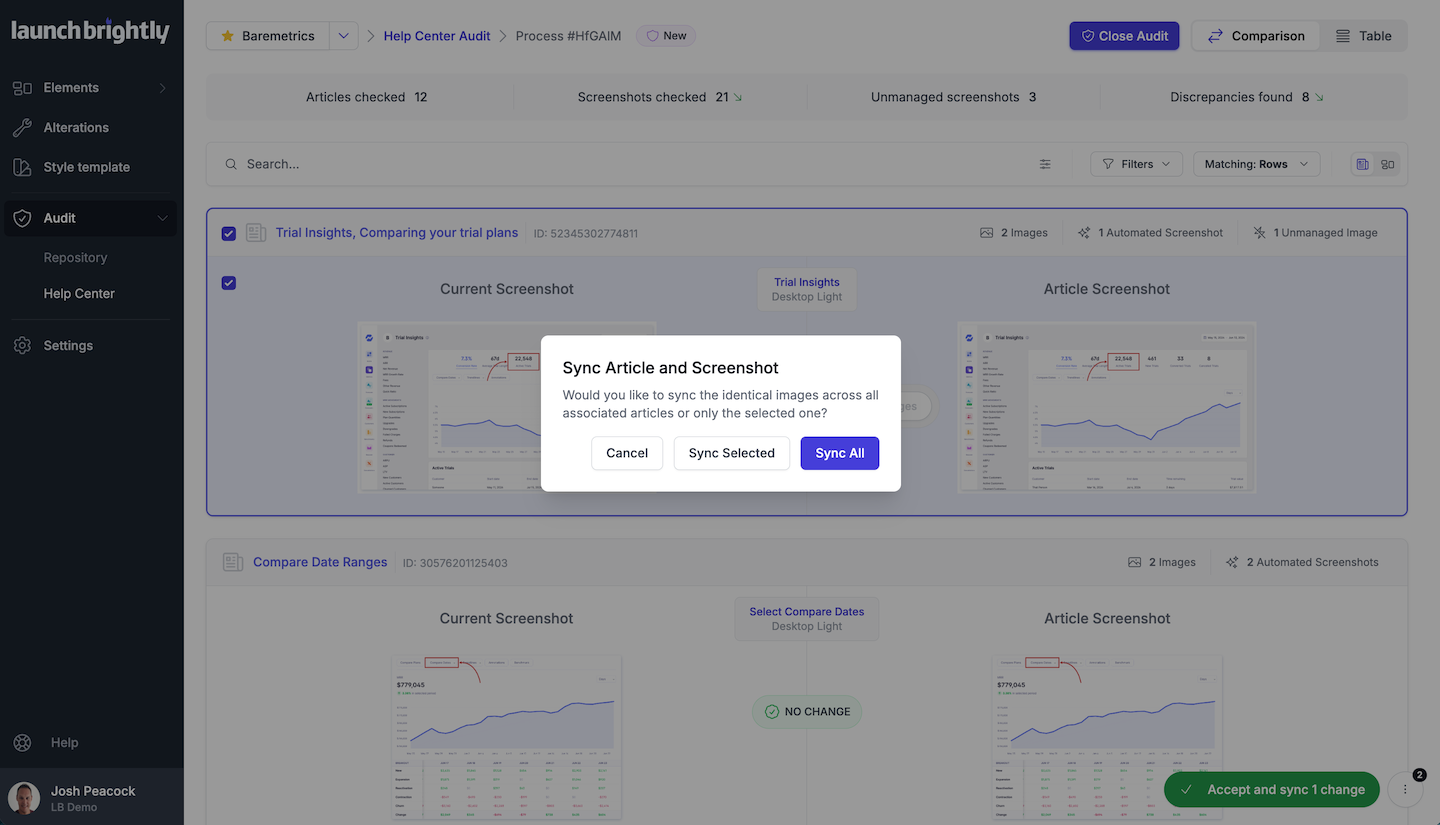
Approved Once. Synced Everywhere.
No more downloading screenshots or replacing images article by article. Approve an updated screenshot once, and LaunchBrightly automatically syncs it everywhere it's used — whether that's one article or dozens.
Every screenshot and animated video is tracked across every article where it appears — no hunting through hundreds of articles, no manual tracking spreadsheets, no more wondering what you missed. Just documentation that's always in sync.
No plugins. No browser extensions.
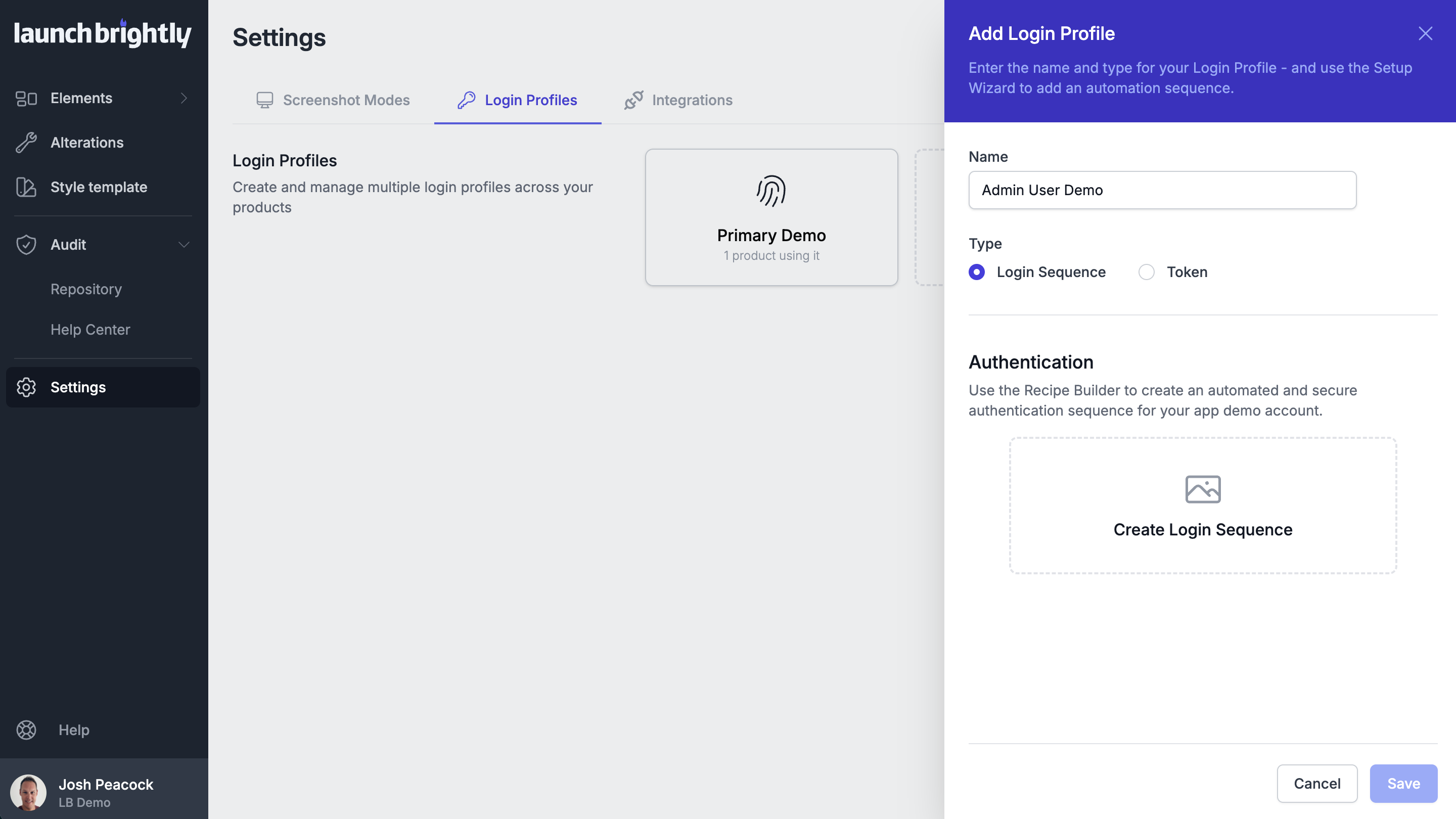
LaunchBrightly works entirely from the outside, behaving like one of your users would — no privileged access, custom APIs, or engineering-built integrations to maintain. Just the same authentication process your users complete every day.
Set up secure access once, and screenshots are captured automatically from behind your application's login. Your team stays in control of the documentation — without relying on engineering.
Documentation Your Customers Trust
And AI Depends On
- Accurate screenshots build trust.
- Your help center is often the first place customers turn when something isn't working. Accurate screenshots mean they find answers faster, trust what they're reading, and self-serve with confidence — solving problems without opening a ticket.
- Accurate documentation gives AI better answers.
- Increasingly, those same help articles are the source AI agents rely on to answer customer questions. The quality of your AI experience starts with the quality of the documentation behind it — accurate, current content gives AI better source material to work from.
- Your documentation stays aligned with your product.
- Screenshot maintenance shouldn't be the reason your documentation falls behind — for customers, or the AI agents answering on your behalf. An automated visual governance process keeps your help center in sync with your product, without the manual work.
Now it seems a little silly that we continually updated images for all of our help articles. Manually. Over and over again. Screenshot Automation from LaunchBrightly is a peek into the future.