/ blog 😊
Talking about Screenshots with Customer Support Teams
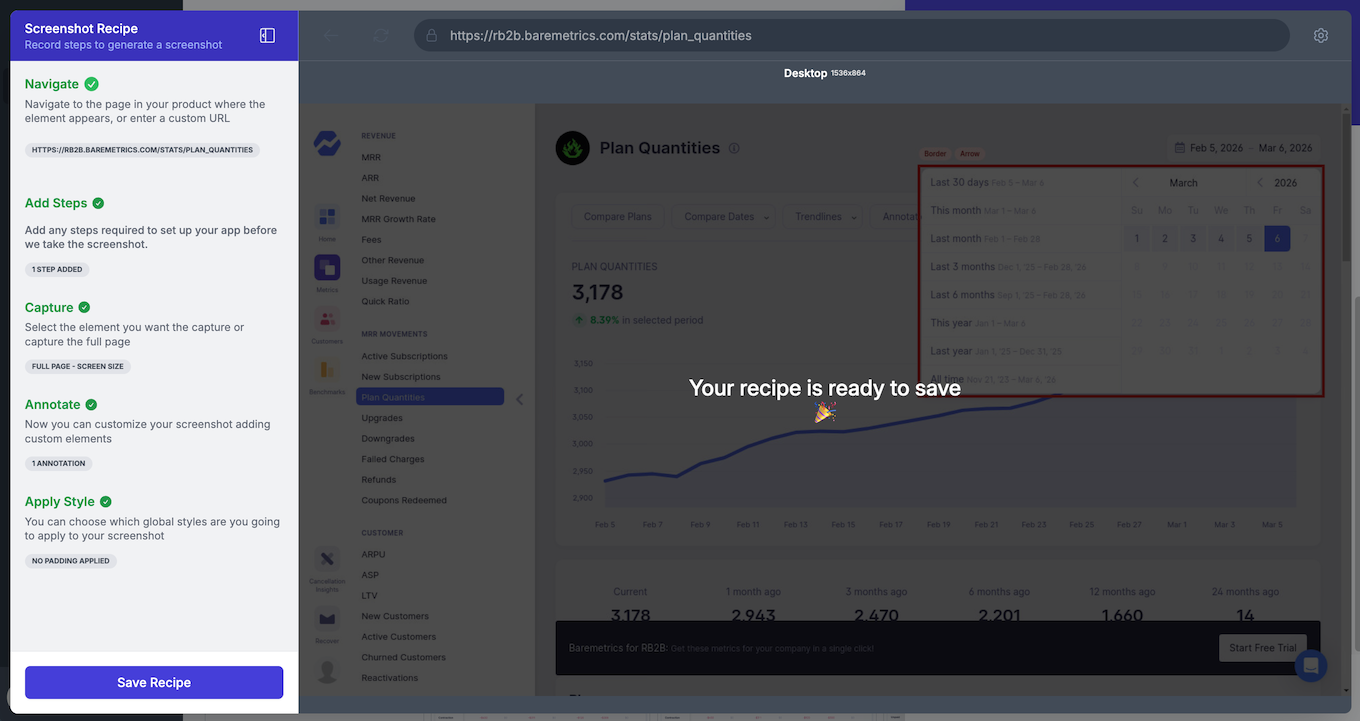
NEW: One automation recipe. Every screenshot variant your product supports.
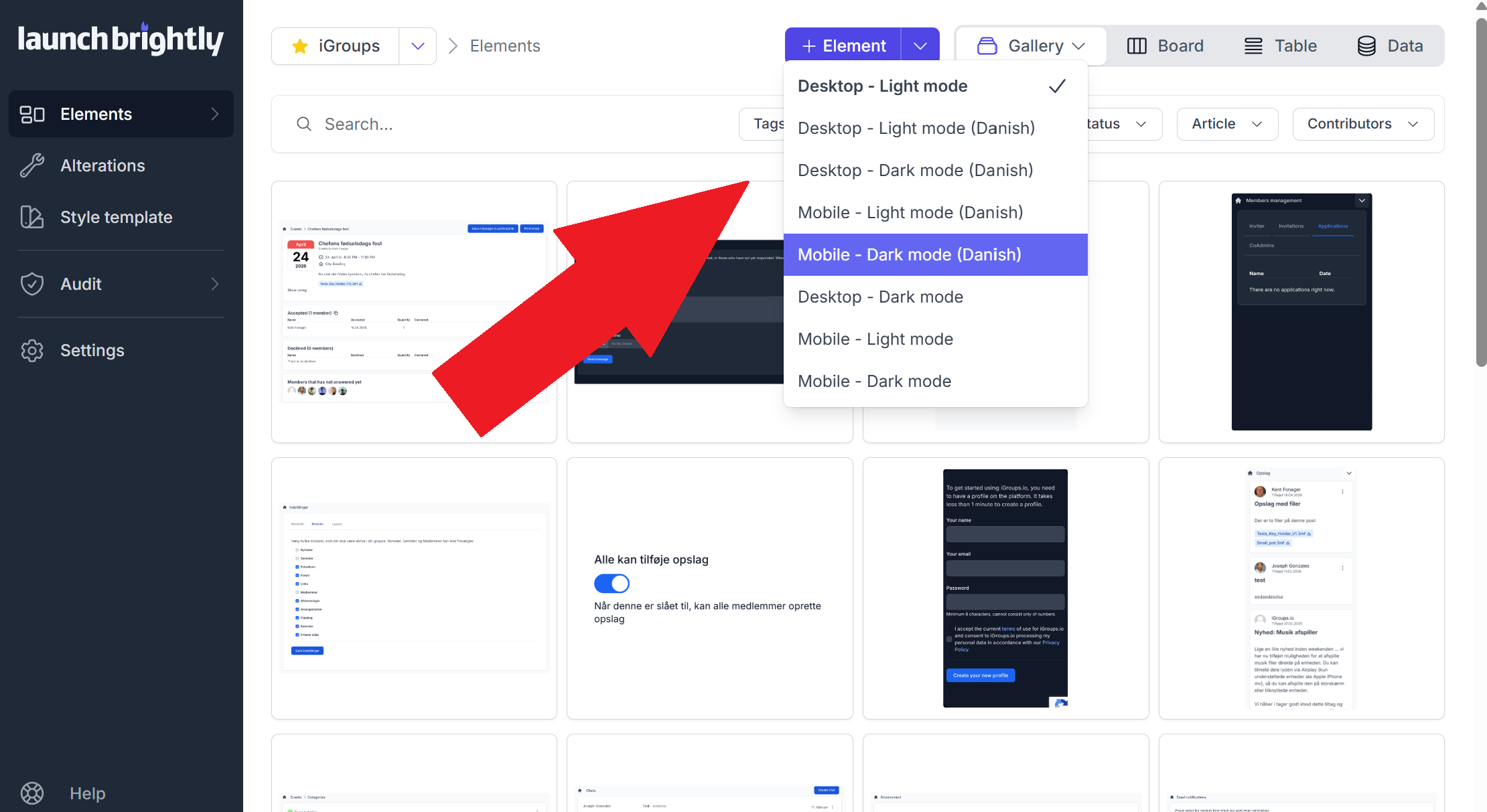
A single automation recipe generates multiple continuously-maintained screenshot variants automatically — rendered across different devices, themes, languages, viewport widths, or browser configurations.
DIY Screenshots: Your Playwright script is the easy part — A few words of caution

Browser automation makes screenshot generation easy. Operating screenshot automation reliably at scale is the hard part.
AI-Driven customer support is only as good as your up-to-date Screenshots
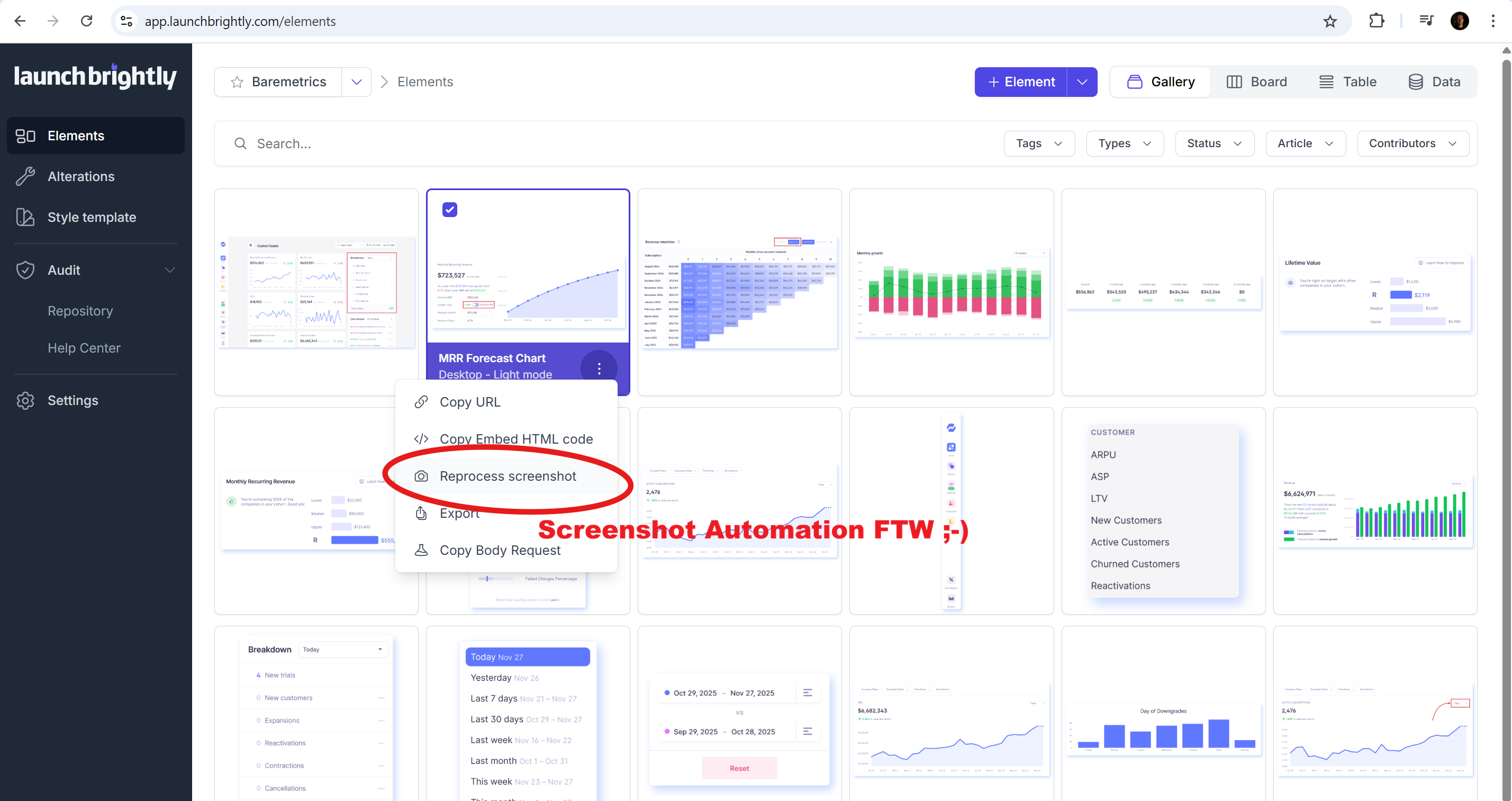
AI support agents now rely on visuals from documentation. This makes screenshot accuracy and freshness critical to support outcomes and customer experience.
Your Help Center is part of your Sales Funnel
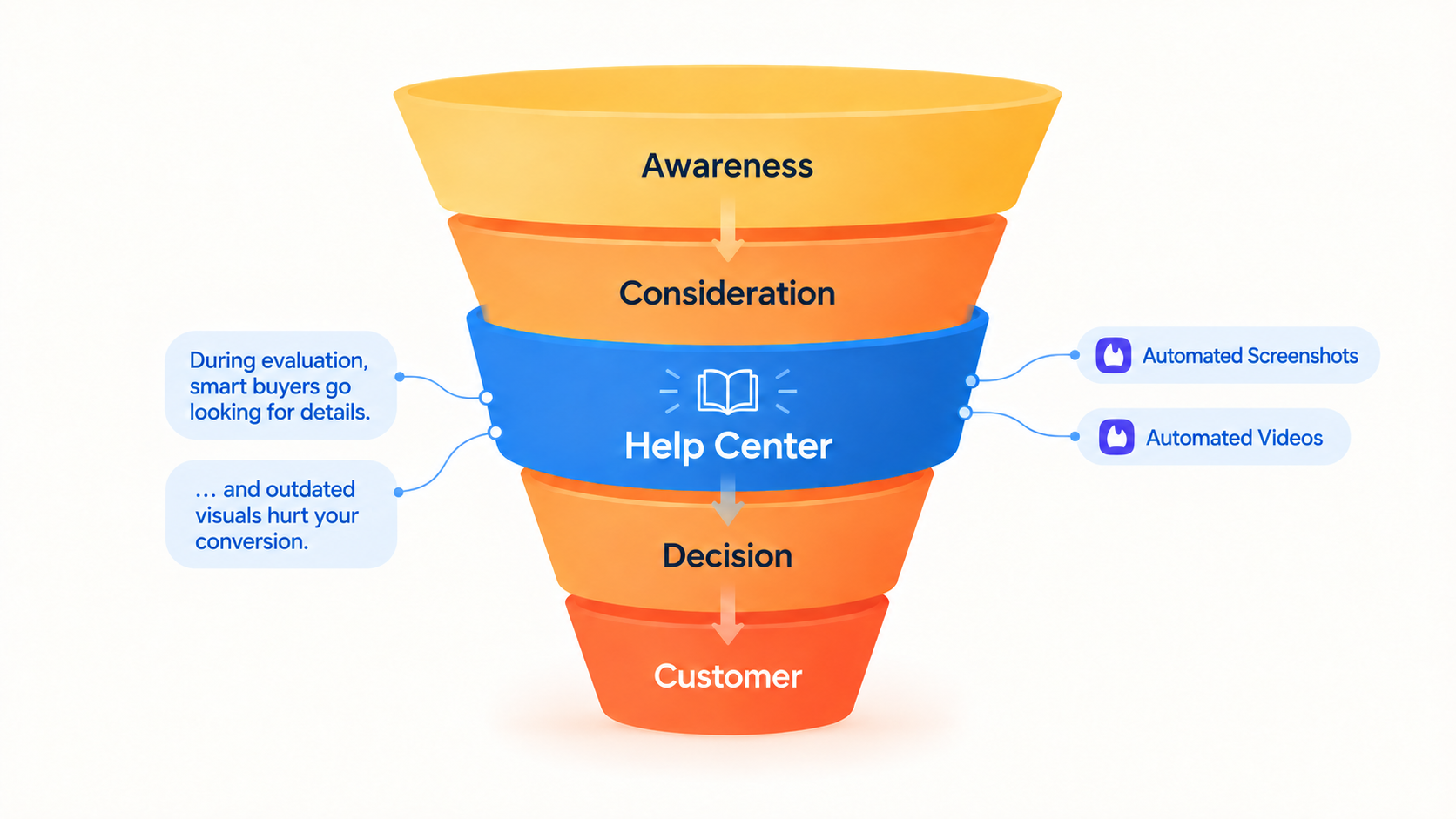
Buyers read your help documentation while they are still deciding. That makes screenshot and video accuracy a revenue issue, not just a support one.
Best practices for product screenshot annotations in your documentation
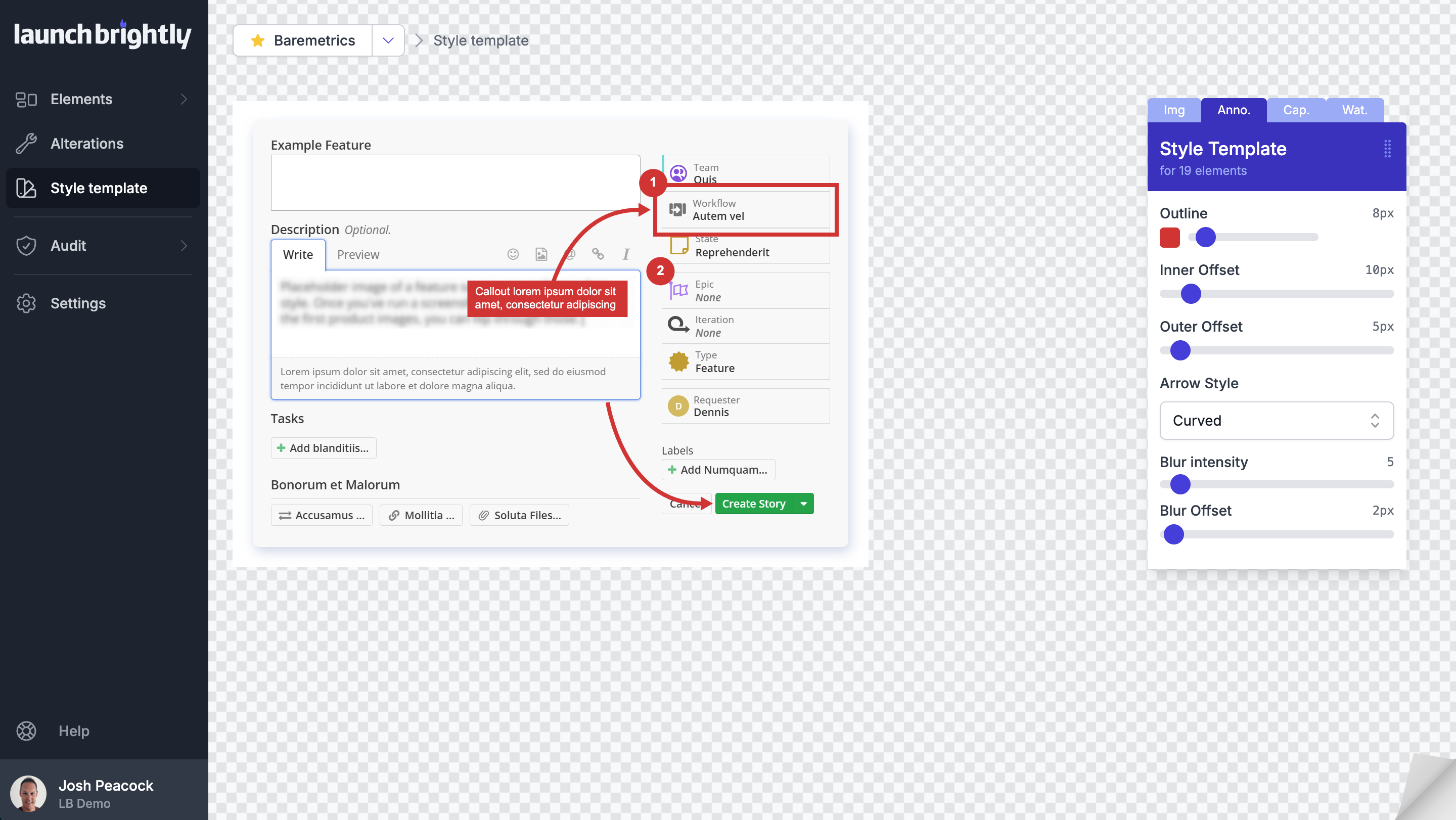
The small styling decisions behind your annotations — shapes, arrows, text and callouts — have an outsized impact on how well your documentation communicates.
Screenshot Size Guidelines for Documentation and Help Articles
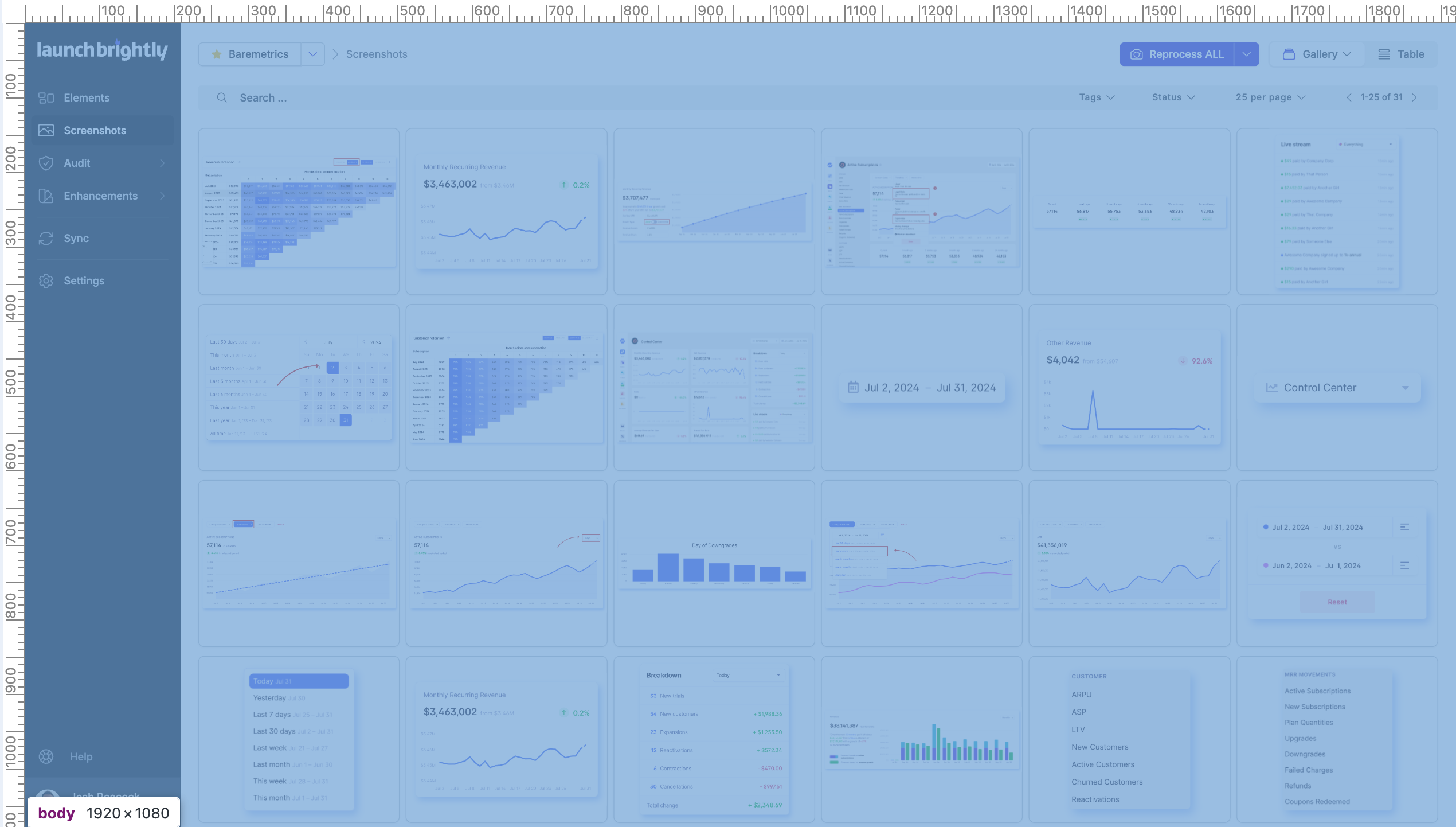
Honest input on what to consider when sizing the images in your help articles — container widths, screen resolutions and what stays readable.
Most recent articles
Every NEW LaunchBrightly Article and Essay will be posted here.*see them grouped by tags