Keep product screenshots current in your Mintlify Docs-as-Code workflow
LaunchBrightly keeps every screenshot in your Mintlify docs aligned with your product — automatically generating fresh screenshots, committing updated files, and merging them into your docs repository.
Screenshots that ship like code
With LaunchBrightly, your screenshots become living assets. Fresh versions are automatically generated whenever your product changes and committed directly into your Mintlify documentation repository.
As your product evolves, updated screenshots flow back into your repository as a continuous part of the same Docs-as-Code workflow your team already uses — with no separate screenshot workflow to manage and no need for manually recapturing images, replacing files, or opening pull requests by hand.
One PR. Every screenshot update.
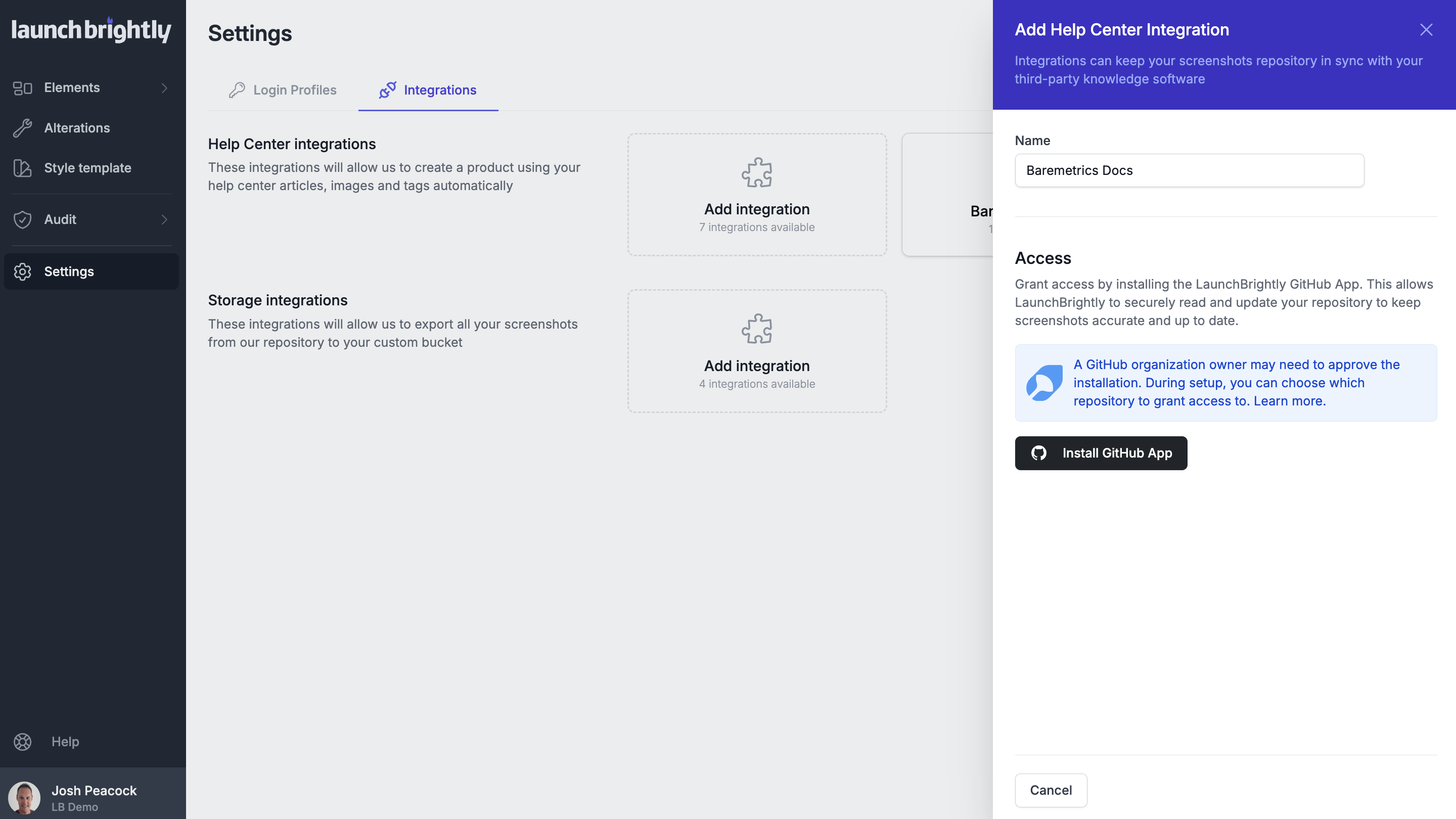
LaunchBrightly automatically creates a pull request containing your latest screenshot updates — including any required markdown changes — before merging everything into your primary branch. Your team gets a complete audit trail showing exactly when screenshots changed and what was updated.
Rather than creating a pull request for every individual screenshot, LaunchBrightly batches all updates together into a single request. Your documentation is built once, not repeatedly as screenshots are regenerated.
Connect your repository in minutes
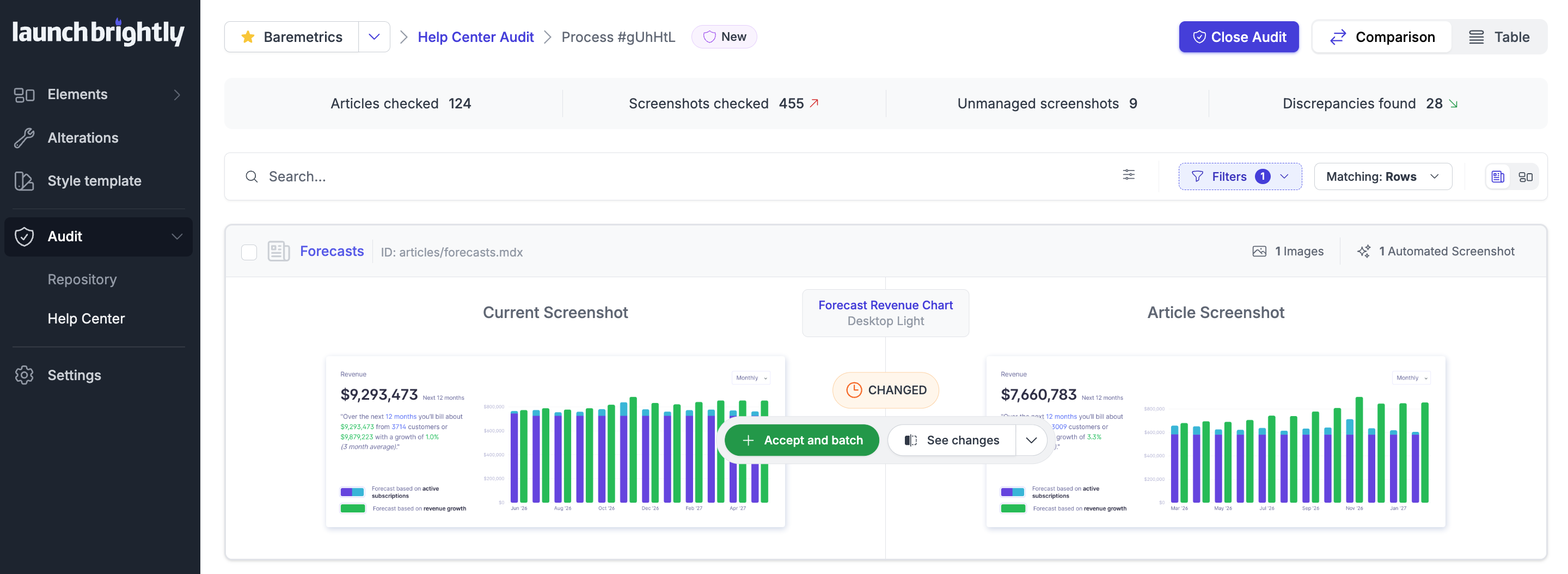
Install the LaunchBrightly GitHub App, connect your Mintlify documentation repository, and choose the branch you'd like updates merged into.
From there, LaunchBrightly continuously maintains your screenshots in the background — generating fresh images on schedule, batching changes into a single pull request, and merging updates back into your repository. Your documentation stays aligned with your product without the ongoing maintenance burden.



Find LaunchBrightly on the GitHub Marketplace
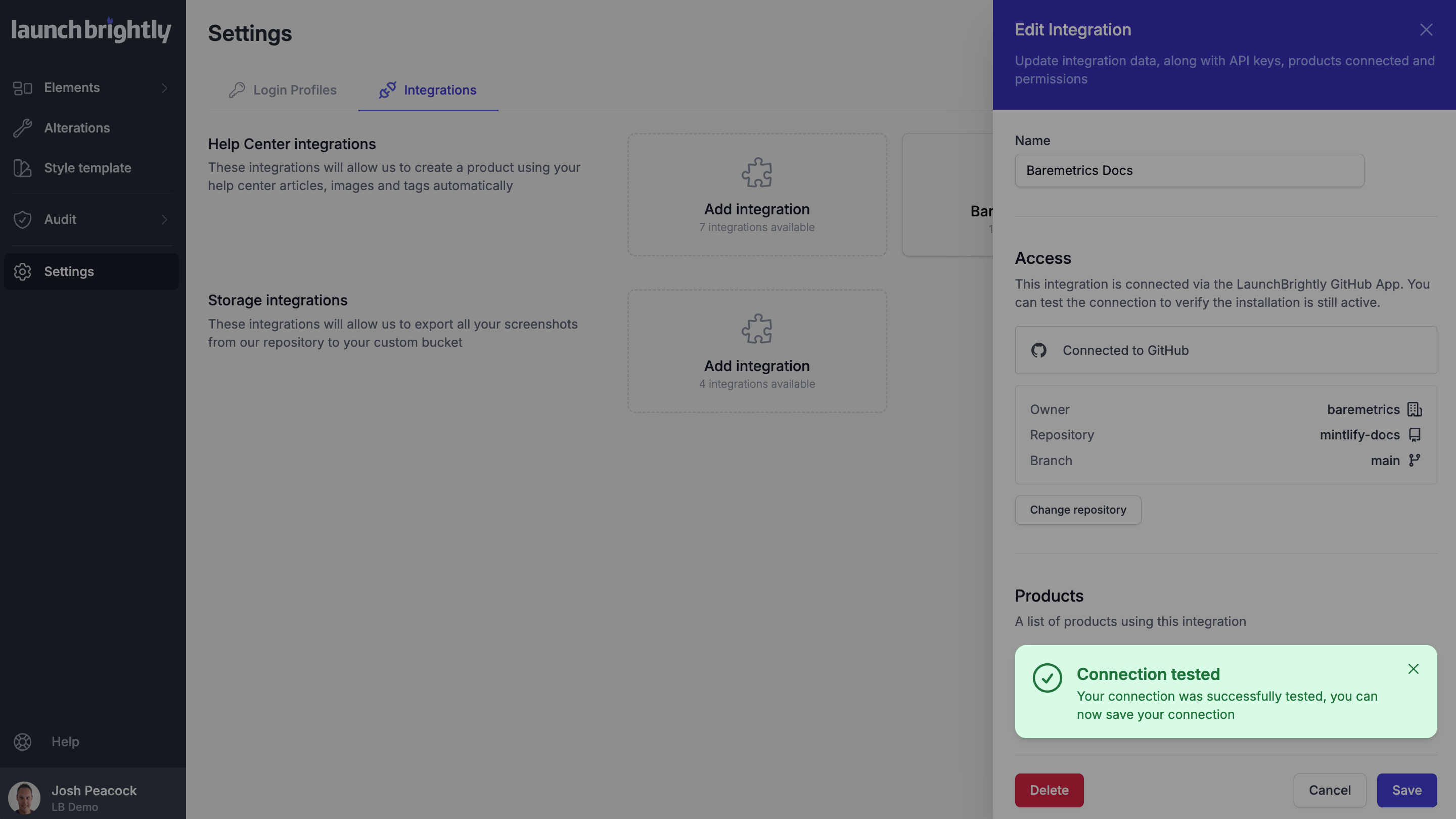
LaunchBrightly is listed in the GitHub Marketplace. When you're ready, you connect your Mintlify GitHub repo right from your LaunchBrightly account.