Automatically generate screenshots of the latest version of your product
Schedule auto-reprocessing of your product screenshot sequences to automatically generate new screenshots and ensure they consistently reflect the most current version of your product. Your screenshots will automatically and repeatedly be updated as your product changes.
Schedule auto-reprocessing
Schedule of auto-reprocessing of all your screenshots to have the screenshot automation platform automatically generate new screenshots reflecting the latest version of your product. Set your auto-reprocess to run daily, weekly or at a cadence of your choice, to see your screenshots updated in perpetuity and without requiring any direct action on your part.
Your screenshots will automatically and repeatedly be updated ensuring you always have the freshest, most accurate, screenshots of your product.
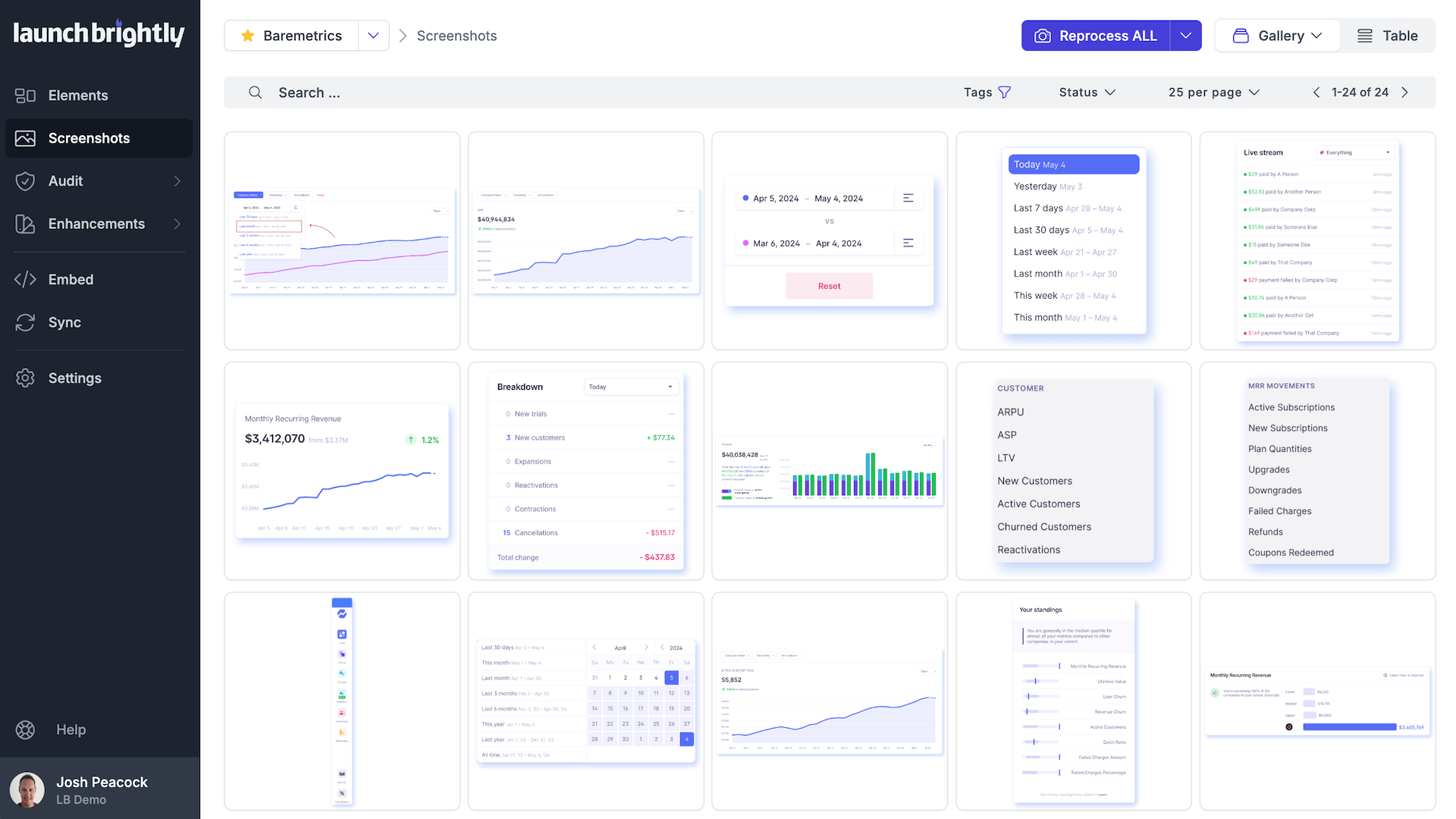
Easily generate new screenshots on product changes
As your product evolves – be it through feature enhancements, updates to your corporate identity, including color schemes, fonts, and other design elements, or even seasonal design changes – rest easy.
Auto-reprocess your screenshots to seamlessly generate updated screenshots to mirror the latest version of your product. You can effortlessly reprocess individual screenshots, or a select group of them, with just the click-of-a-button.
“ It was such a relief to be able to reprocess ALL of my screenshots with the click-of-a-button! This is a true game changer in my job ”
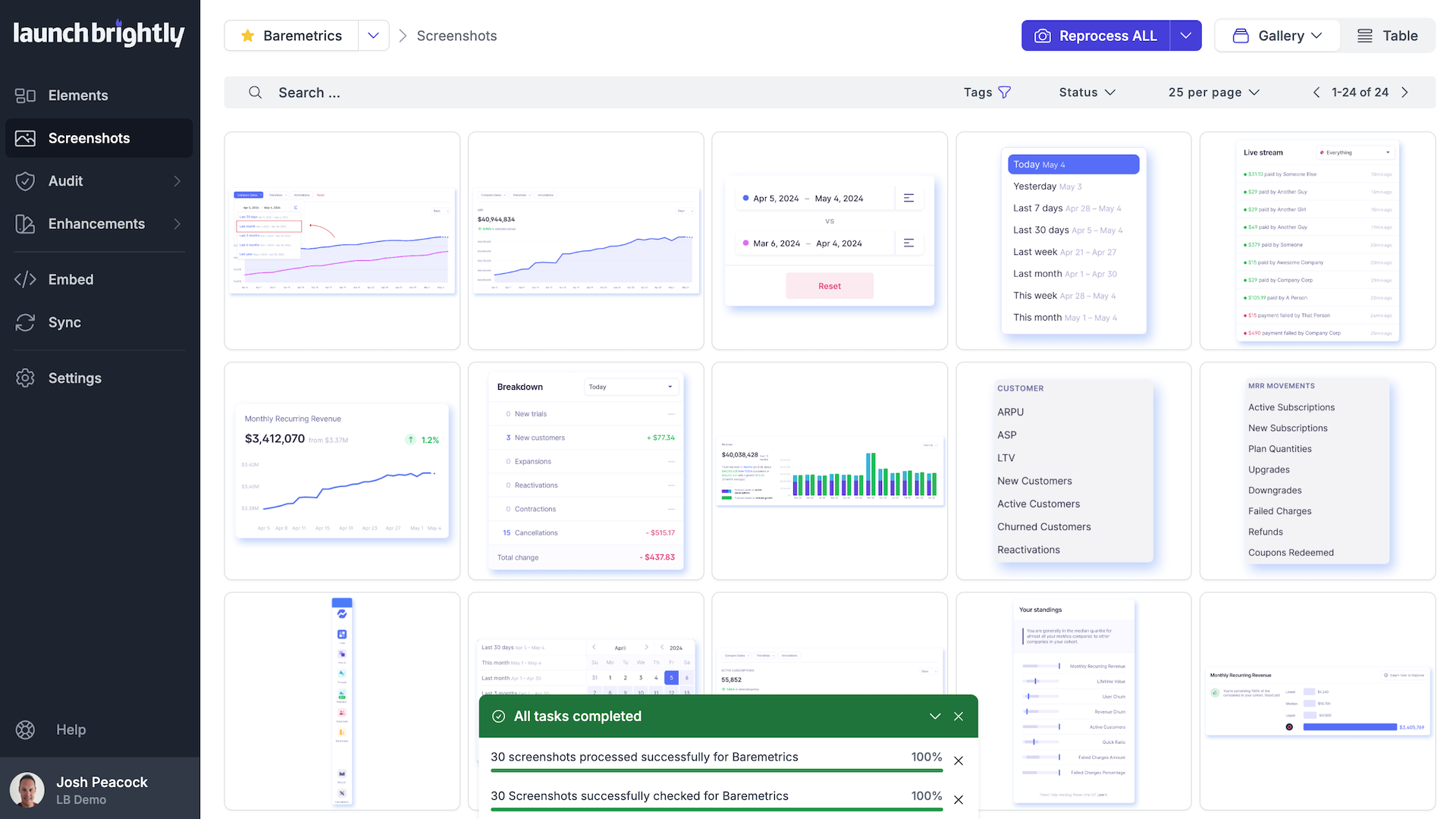
Millions of screenshots served fresh












It felt almost like we had a cheat code being able to reprocess all of our screenshots automatically right before launch!