Auto-generate screenshots in any language
Create single automated product screenshots sequences to generate screenshots of the latest version of your product, and render those screenshots in each of the different languages you support.
Select languages
Localization of your help documentation involves more than just translating text. Your product screenshots, and other visual elements, also need localisation to reflect region-specific interfaces or text length variations. Languages differ in length and structure, affecting layout, spacing, and readability.
With custom rendering you can use the screenshot automation platform to automatically render your screenshots in any number of unique modes of your choice; including width, height, color scheme (light or dark), pixel density and language!
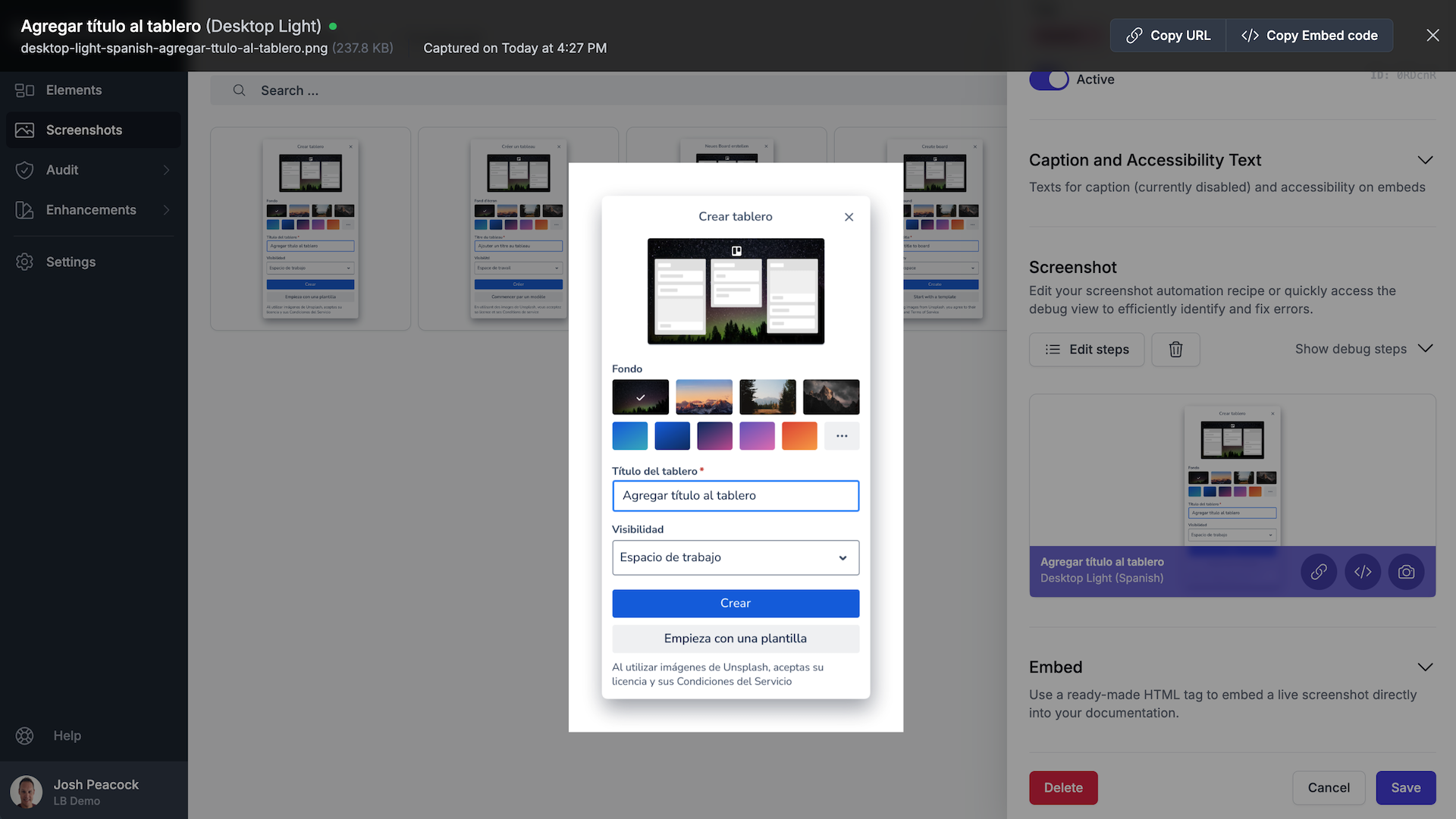
Generate screenshots in any language
Simply create a single automated product screenshot sequence, and the platform will automatically spin up a browser in the cloud with the languages you have selected to generate unique screenshots in each of those languages. Spanish? No problem. French? You got it!
And if your business starts supporting an additional language, no need to worry. You can auto-reprocess all of your automated product screenshot sequences with a simple click-of-a-button to generate an additional set of fresh screenshots in the new language.
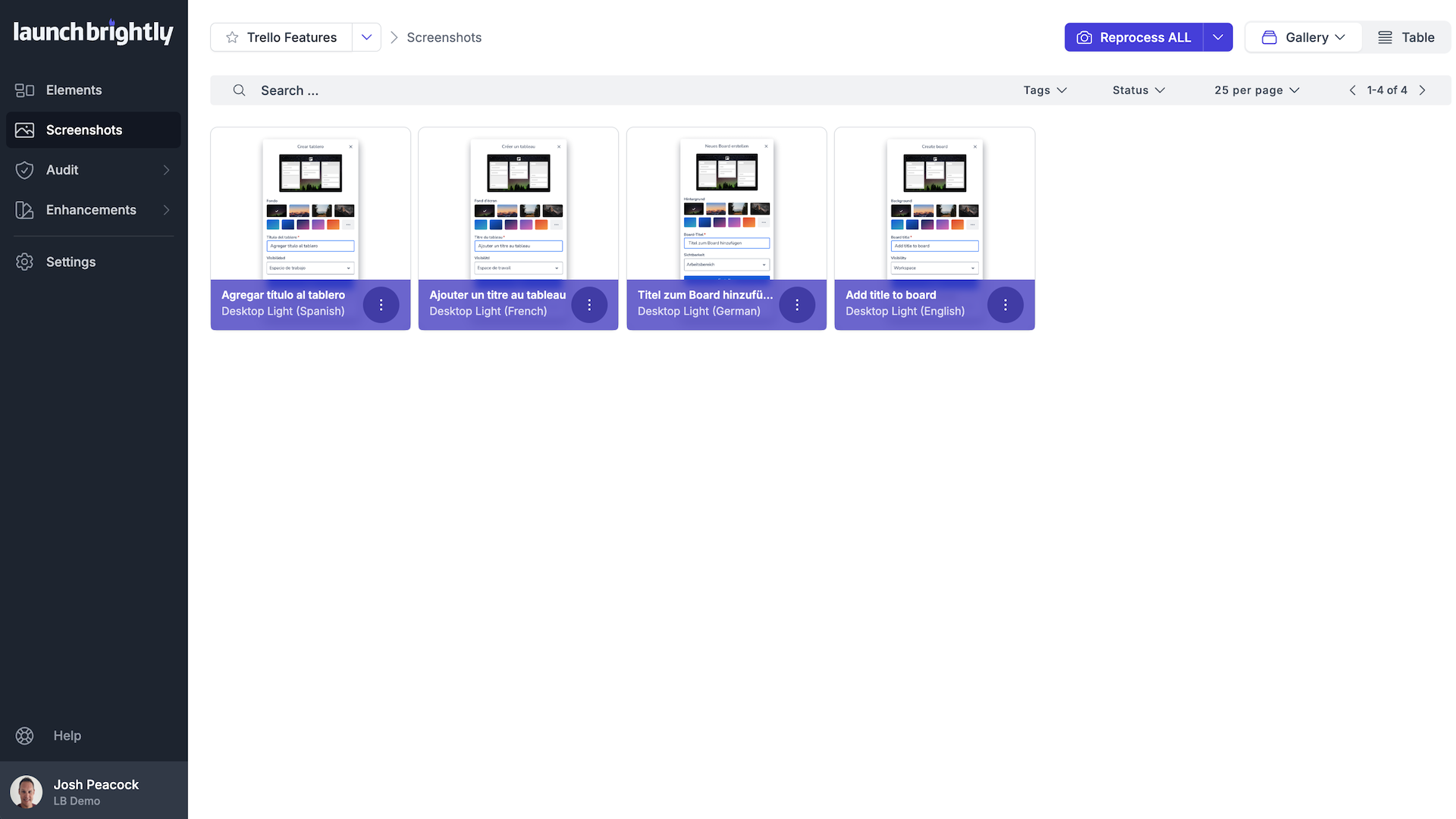
Millions of screenshots served fresh











We wanted documentation screenshots to feel native to the user's actual experience. But there is simply no realistic way to maintain that many screenshot variations manually.