By Josh Peacock, Dennis Mortensen In Newsletter | February 2026
Outdated screenshots do more than frustrate users — they degrade AI-driven support
Newsletter 18
Our newsletter from February 12th, 2026. Feel free to sign up to get this directly in your inbox
Product Screenshots matter — now more than ever!
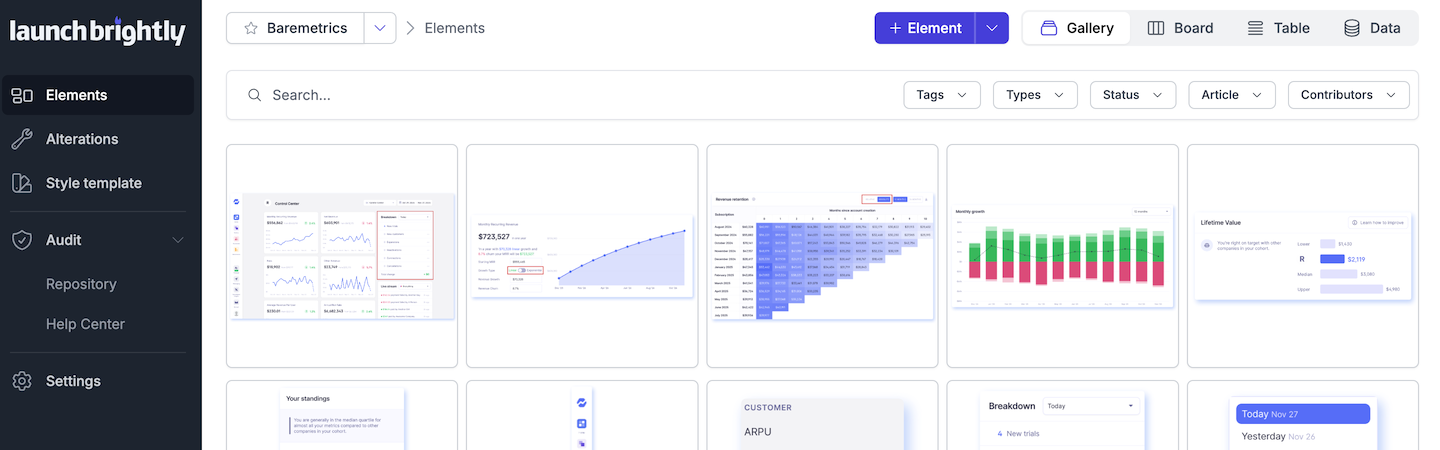
Your screenshots aren’t decorative. They’re high-bandwidth support assets. Modern customers are impatient, self-directed and outcome-focused — they want answers fast, on their own terms and with minimal friction. Screenshots remove ambiguity by showing exactly what to click, what to expect and whether they’re in the right place when they arrive at your help center.
They work because the human brain is visual. Images are processed tens of thousands of times faster than text, and most of the information we absorb is visual. A single, well-placed screenshot can replace paragraphs of explanation — especially in complex or technical workflows.
Your product screenshots drive real support outcomes. And as AI agents increasingly become the first line of support, the quality of your visuals is now directly tied to the performance of AI-driven support.
AI agents rely on accurate screenshots
Intercom just turned on screenshots inside of its Fin AI Agent — for everyone, by default. This isn’t a minor UX tweak. It’s a clear signal that product visuals materially are core support infrastructure, even in an AI-first world.
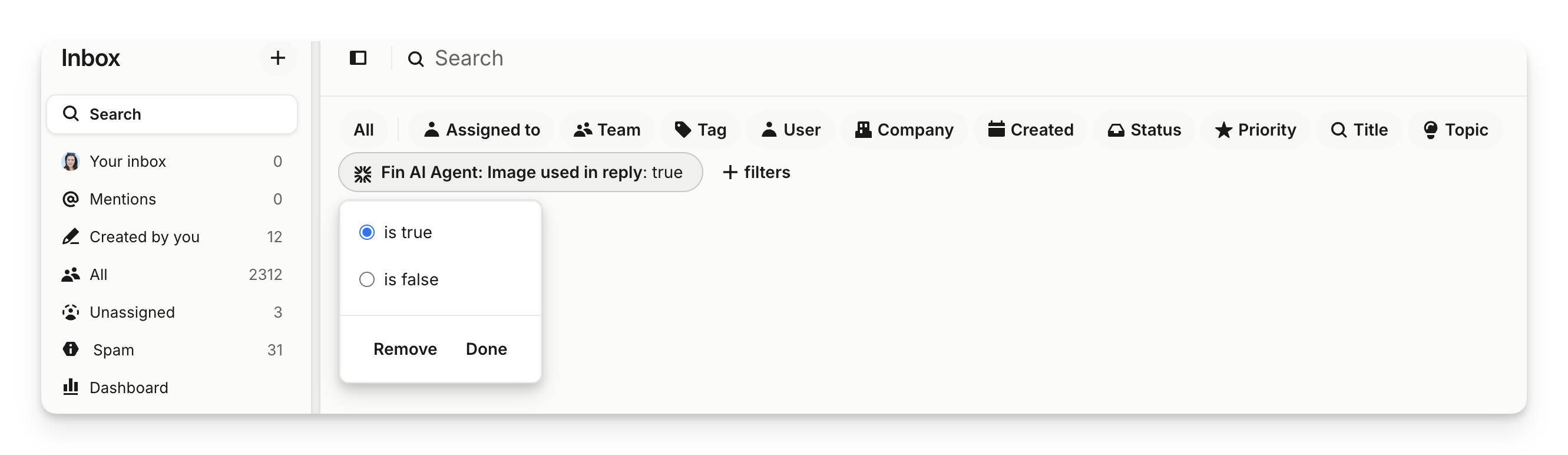
Fin doesn’t create these images though. It pulls them directly from the screenshots that already exist in your help docs. That’s powerful — but it also raises the bar on ensuring your help center screenshots reflect the current state of your application.
The tension teams quietly face but few solve
Screenshots are hard to maintain because products never stand still. Interfaces shift, workflows evolve and new features roll out constantly. Even tiny pixel-level changes can make a once-perfect visual confusing or outdated. All too often, teams respond by removing screenshots entirely, updating them sporadically as time allows or simply by accepting that screenshot decay is inevitable.
Outdated or unclear screenshots don’t just frustrate users; they actively degrade the AI agent’s ability to provide accurate guidance and weaken the foundation of AI-driven support.
Here’s the uncomfortable truth: teams that give up on screenshots because they’re “too hard to maintain” are setting themselves up for real pain. In AI-powered support, visuals aren’t decorative — they’re critical operational inputs. When screenshots are stale or ambiguous it’s not only customers who struggle, they also compromise the accuracy and trustworthiness of AI-driven responses.
The problem isn’t screenshots — it’s screenshot decay
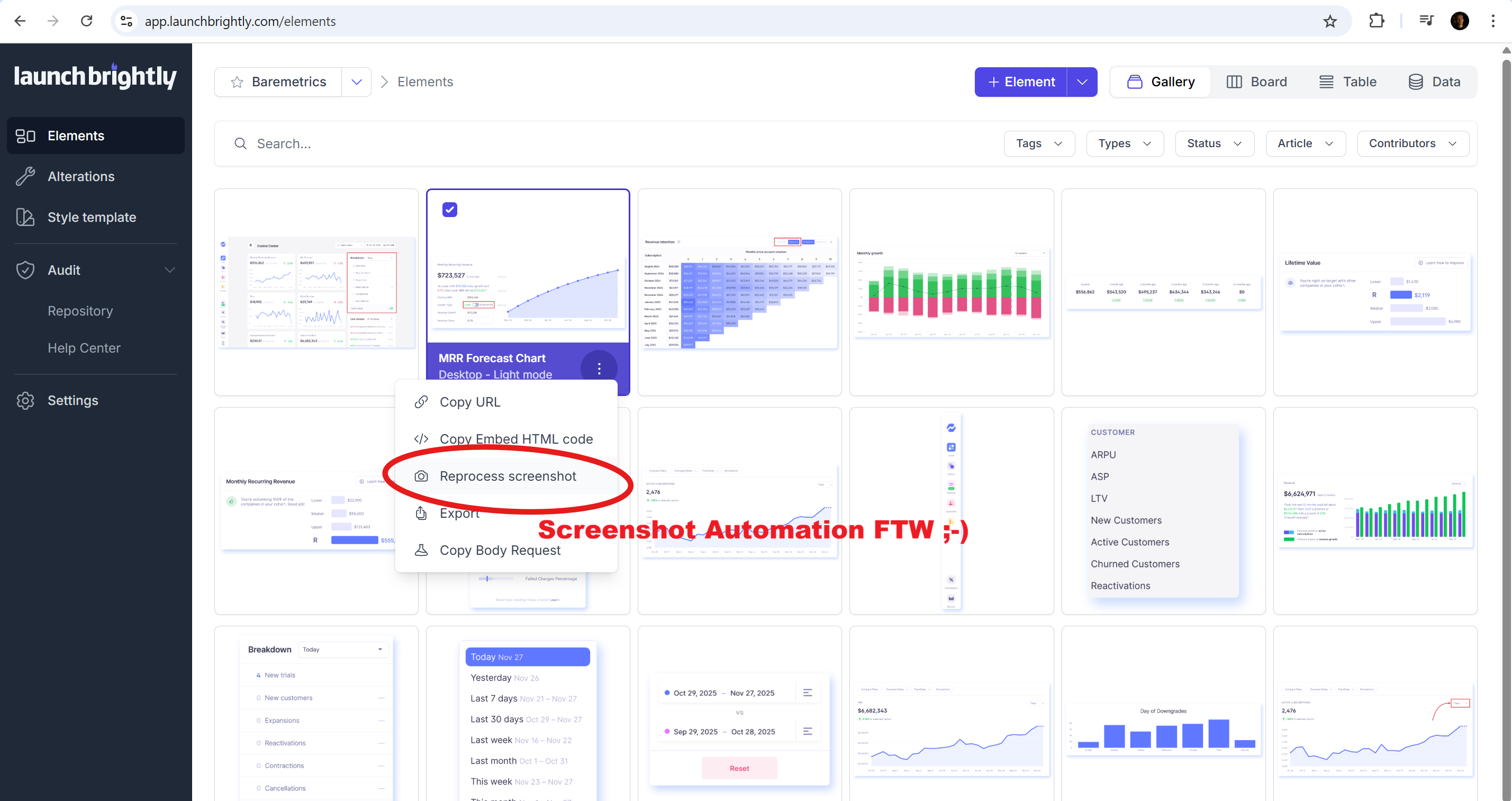
The question isn’t whether screenshots still matter. It’s how to keep them accurate at scale. When screenshots are fresh, accurate and intentionally structured, they become one of the most powerful assets in your help center, for humans and AI alike.
Some teams will experiment with new tools. Some will build internal pipelines. Some will rethink how they structure and annotate visuals so AI can surface them effectively. The teams that lean into this challenge — and treat screenshots as living assets — will create a meaningful support advantage.
Want to keep your screenshots accurate at scale?
We’d love to give you a live demo of the platform and show how you can automatically keep your screenshots up-to-date at scale. No slides — just straight platform demo!