By Josh Peacock, Dennis Mortensen In Newsletter | November 2026
How many product screenshots are actually in your help center?
Newsletter 32
Our newsletter from November 19th, 2026. Feel free to sign up to get this directly in your inbox
All your screenshots. One connected library.
You probably have a pretty good idea how many articles are in your help center. But what about the product screenshots inside those articles? How many are you actually maintaining, how many are unique, and where does each one appear?
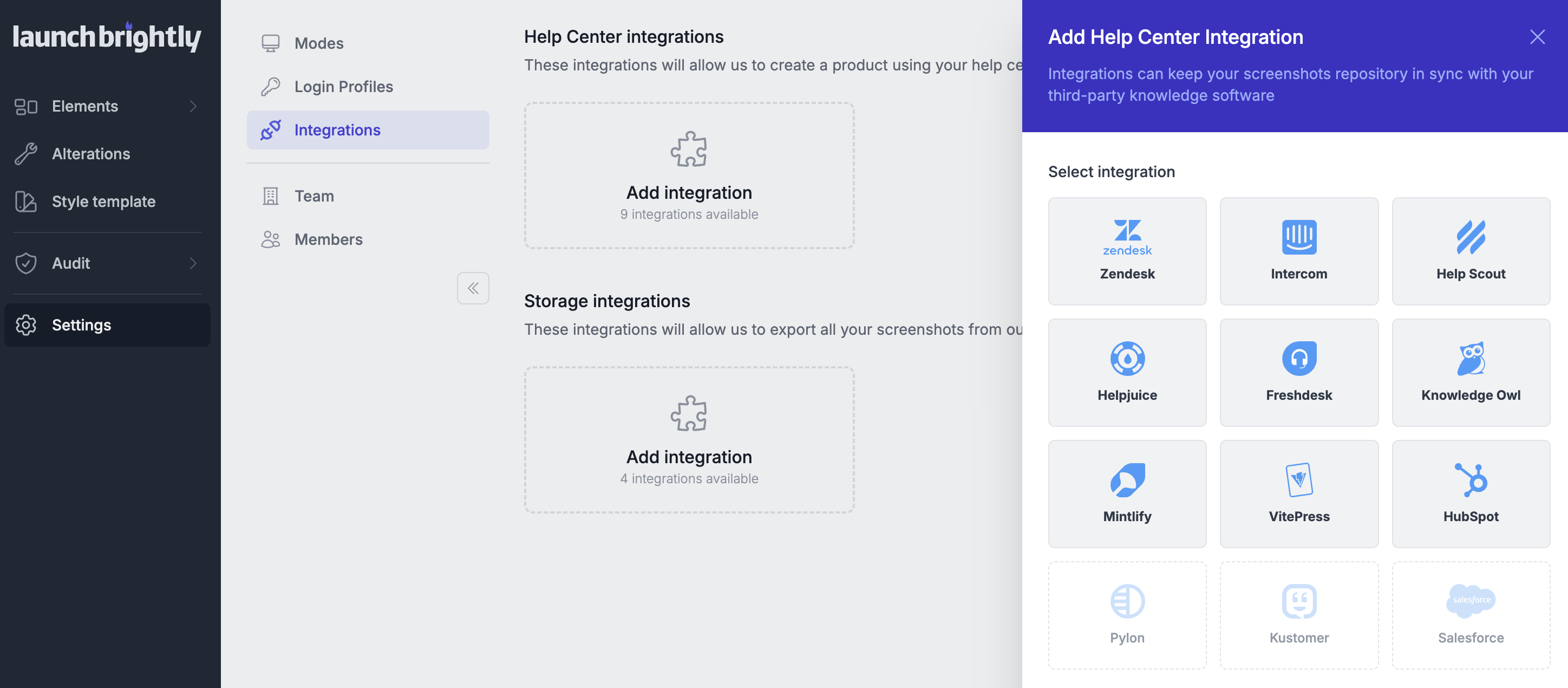
As your help center grows, so does the collection of product visuals spread throughout it. Some screenshots appear in a single article, while others are reused across multiple articles, sometimes in entirely different sections of your documentation. Before long, you have hundreds or thousands of images embedded throughout your help center, without a clear picture of what you're maintaining or how those visuals connect across your articles.
A complete inventory of your unique screenshots
With LaunchBrightly's Help Center Import, you can connect your existing help center and automatically bring all those product visuals together into a centralized, searchable screenshot library. No need to manually collect images or maintain manual spreadsheets to keep track of them.
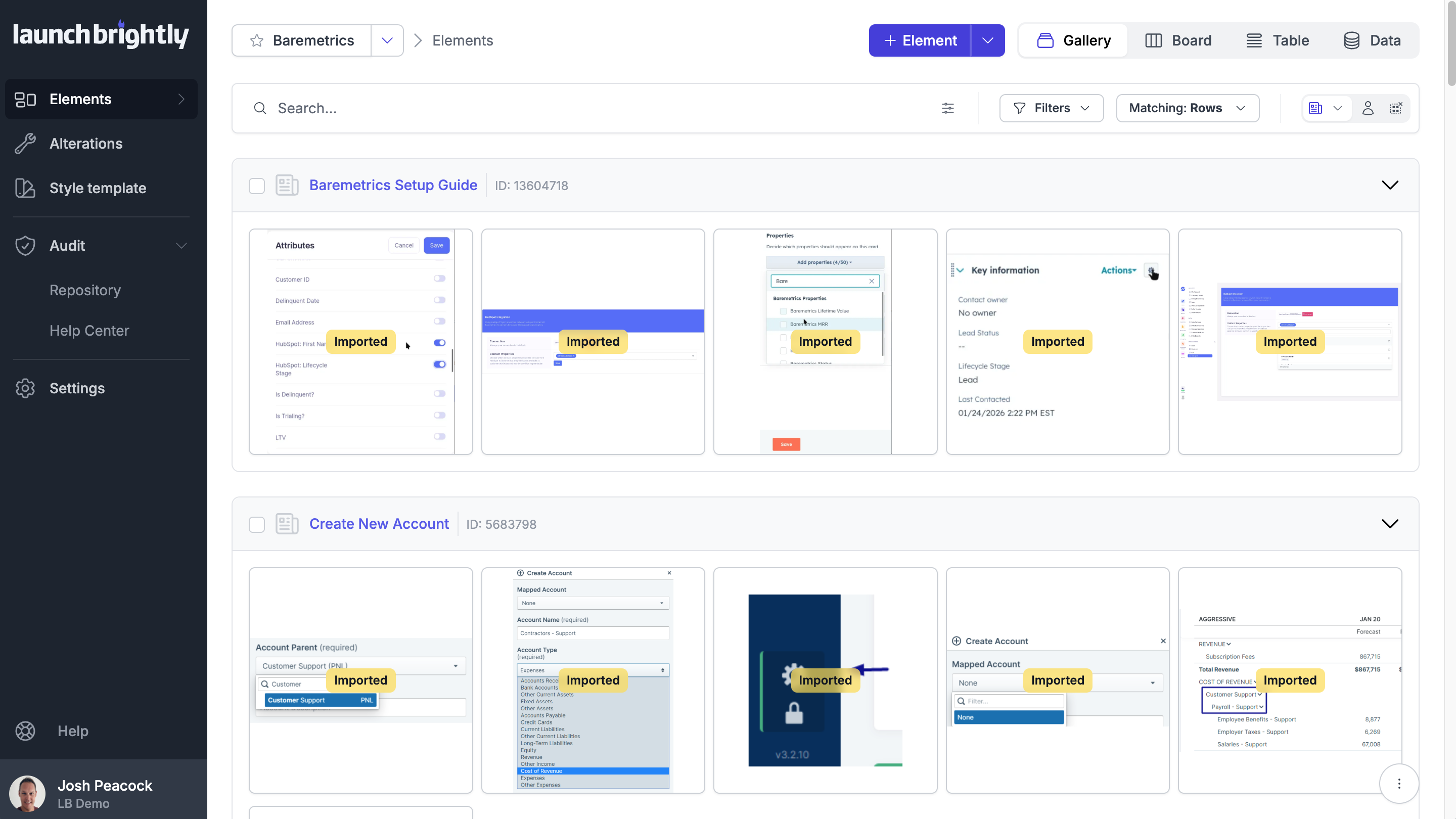
Rather than simply copying images into another repository, the platform scans every article and meticulously checks each image pixel by pixel to identify duplicates. Even when the same screenshot has been reused throughout your documentation, it's recognized as a single unique image and imported only once.
You get a clean, organized inventory of the individual product visuals your team is actually maintaining, without having to piece that information together manually.
Automatically map every screenshot at scale
But the import doesn't stop at identifying unique screenshots. It also automatically maps each image to every help article where it appears, preserving the relationships between your product visuals and the documentation that depends on them.
A screenshot that appears across five different articles is no longer five unrelated files someone has to remember to maintain. It's one visual asset with five known relationships across your help center.
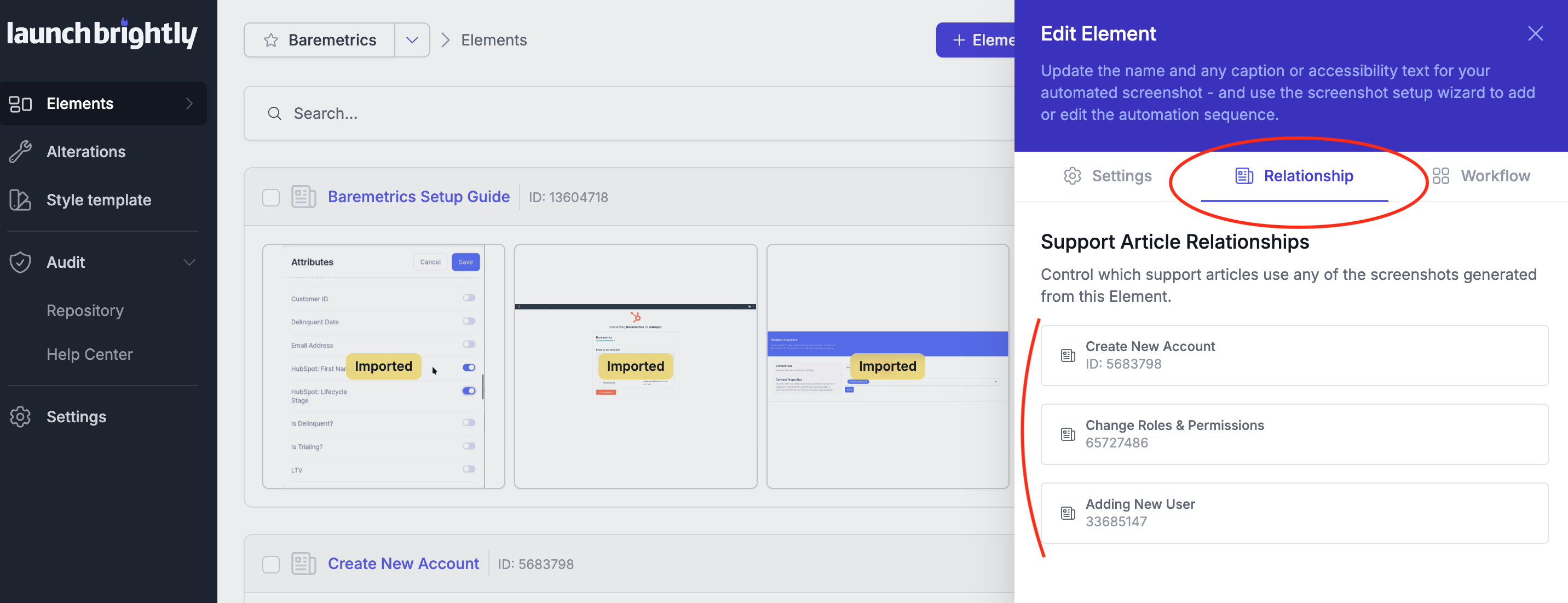
And those relationships aren't static. As new screenshots are added or existing images are reused, those relationships are automatically maintained, giving you an always-current map of how your product visuals connect across your documentation.
What was previously scattered across hundreds of individual help articles becomes one connected screenshot library. You have a complete picture of the product visuals you're maintaining, where each one appears and how those images connect across your entire documentation.
Curious what we'd find in your help center?
We'd love to run a free Help Center Import for you! Just reply and we'll help you connect your help center, run the import and share what we find 🤗