By Josh Peacock, Dennis Mortensen In Newsletter | June 2026
NEW: Screenshots that ship like code
Newsletter 24
Our newsletter from June 26th, 2026. Feel free to sign up to get this directly in your inbox
Bring screenshot updates into your Docs-as-Code workflow
Over the last few years, Docs-as-Code has transformed how documentation teams work. Content lives in Git, changes flow through pull requests, and every update gets reviewed before it reaches customers. Documentation becomes easier to maintain, easier to review and easier to keep aligned with product releases. But screenshots have largely remained outside that workflow.
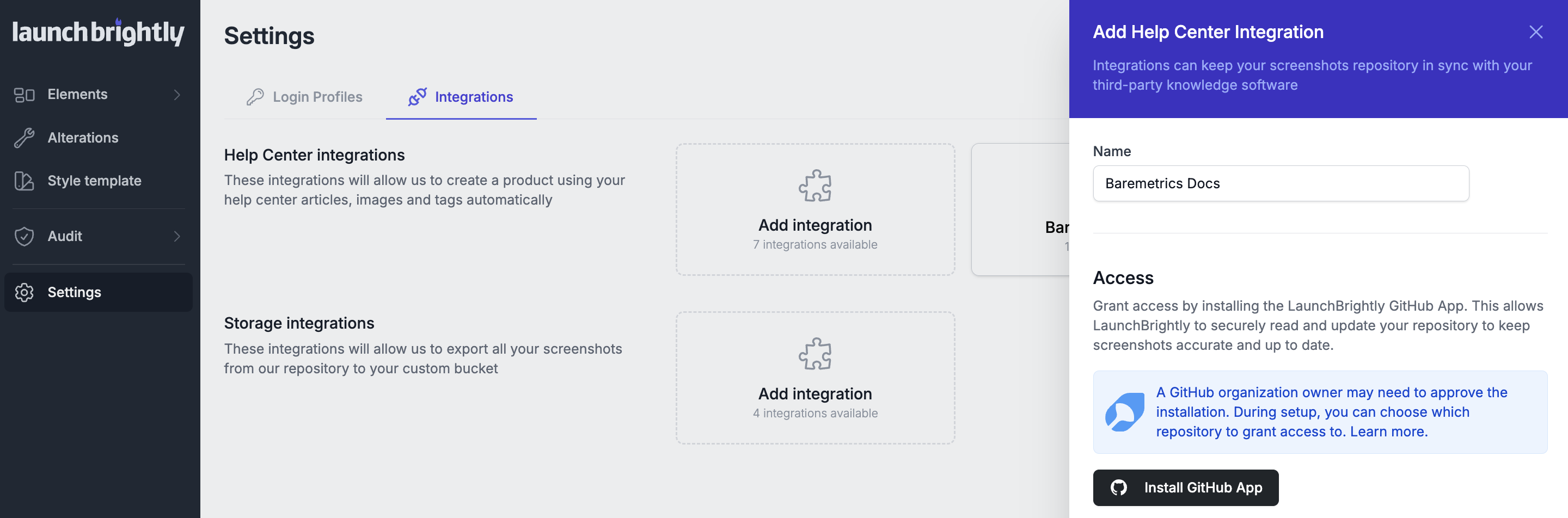
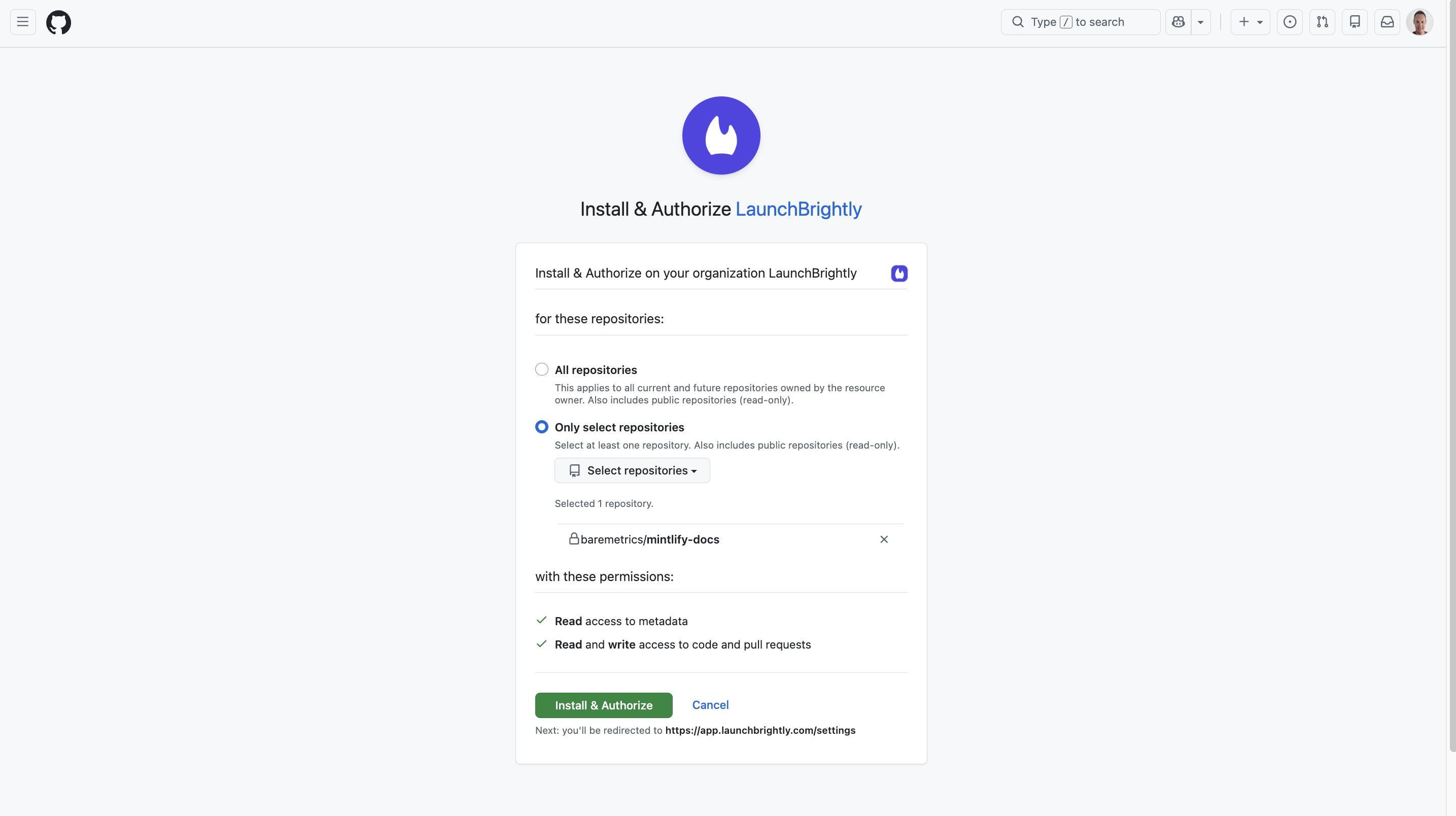
That's why we're excited to announce our new GitHub integration, allowing LaunchBrightly to automatically push updated screenshots into your documentation repository and generate and merge pull requests containing those updates.
Even for teams with highly mature documentation processes, screenshots are often maintained manually. Product changes ship, screenshots go stale, and eventually someone has to log in, recapture the image, replace the file in the repository, find and update every markdown reference if the filename or path changed, and submit a pull request. Repeat that across hundreds of articles and screenshots quickly become one of the most tedious parts of maintaining documentation.
Automatically sync screenshots to your documentation repository
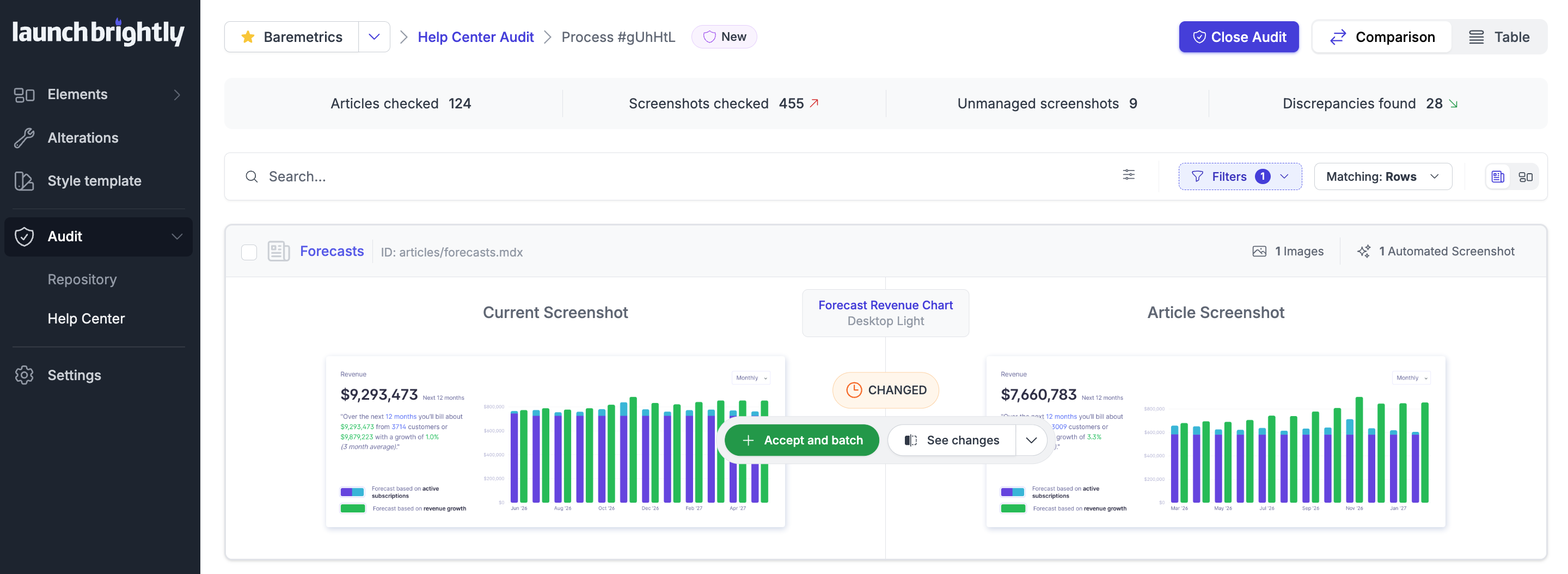
With LaunchBrightly, your screenshots are living assets — fresh versions are automatically generated whenever your product changes and pushed directly back into your repository as a continuous part of the same Git-based workflow your team already uses. Your documentation stays fully aligned with your product without the need to manually recapture screenshots or replace files by hand.
Pull requests for screenshot updates
LaunchBrightly automatically generates pull requests containing your latest screenshot changes and, when needed, updates to the associated markdown before merging those changes into your primary branch. So your team always has a complete audit trail of when screenshots changed and exactly what was updated.
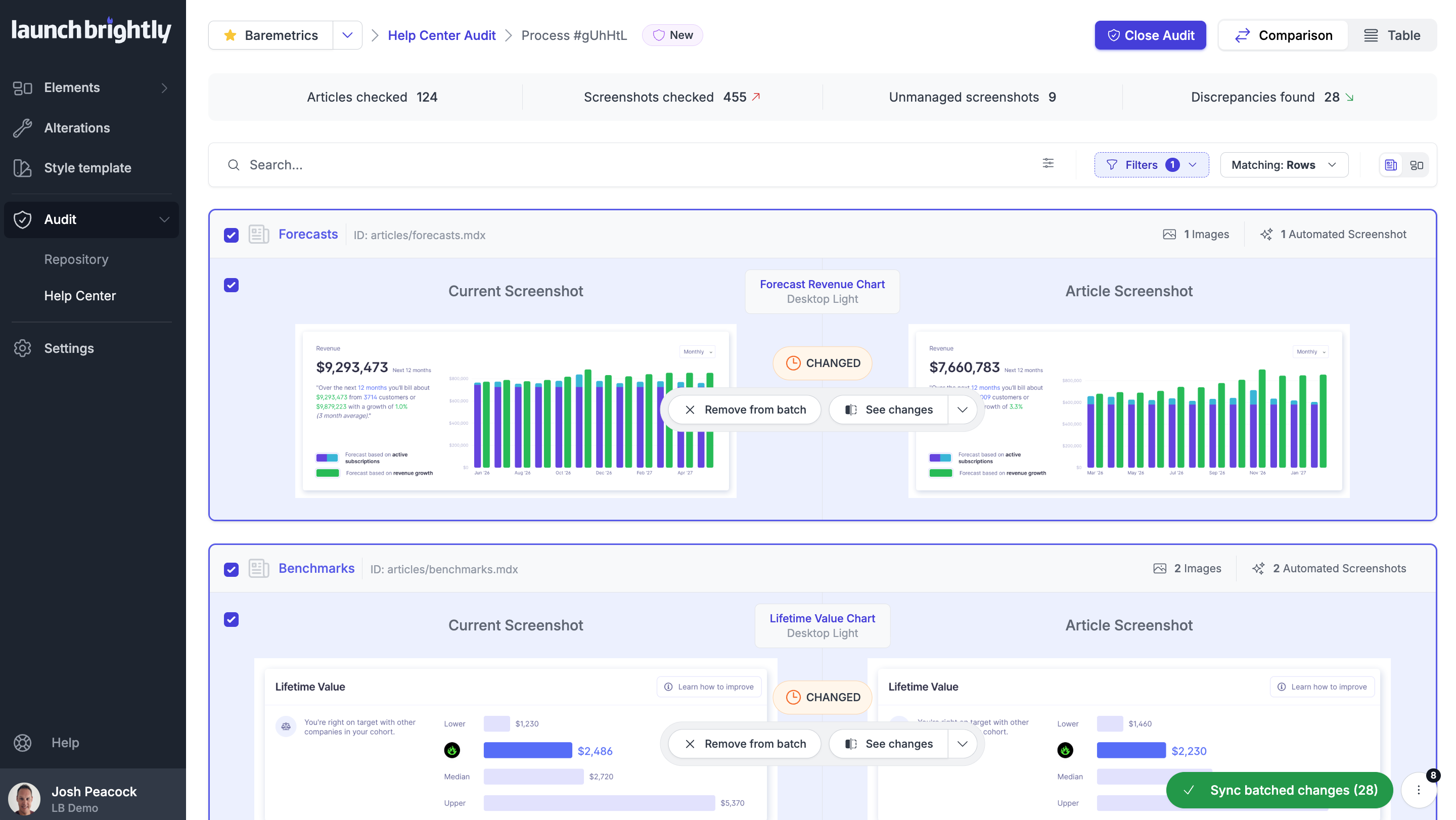
To keep things clean, screenshot updates are batched into a single pull request — so your documentation is reviewed and built once, not dozens of times as screenshots are regenerated. Screenshot maintenance stays fully automated inside LaunchBrightly while updated image assets are committed back into the same repository used for the rest of your docs.
Connecting your repository is easy
Connecting LaunchBrightly to your GitHub repository takes just a few minutes — simply install the LaunchBrightly GitHub App, point it at your docs repo and choose the branch you'd like updates merged into.
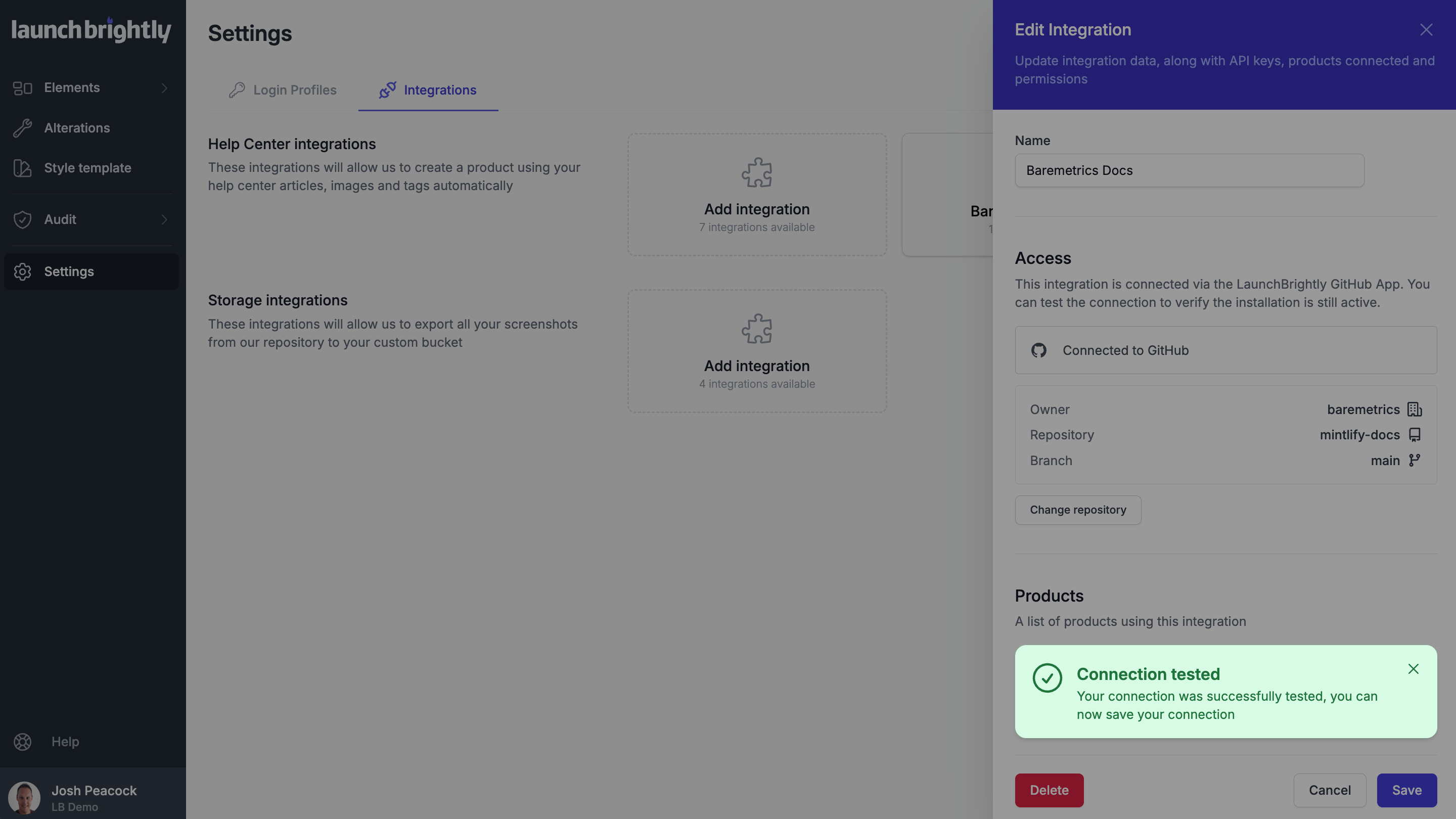
From there, LaunchBrightly handles the repetitive work of maintaining screenshots, updating image assets and generating pull requests containing those updates — keeping your screenshots aligned with the latest version of your product without the ongoing maintenance burden.
Mintlify is just the start
Mintlify is the first Docs-as-Code platform supported by our new Git integration layer, and we're already exploring additional platforms and frameworks.
Want to see your preferred platform supported next? Just click reply and we'll jump right on it!
Want to see how Git-based screenshot synchronization works in practice?
We'd love to do a quick demo to show how LaunchBrightly can automatically maintain your screenshots and push updated image assets into your docs repository 🤓